You do not need to give your AccRes accountant access to your PayPal account. For bookkeeping, download the statement for the required month in both PDF and CSV formats and send both files to your accountant.
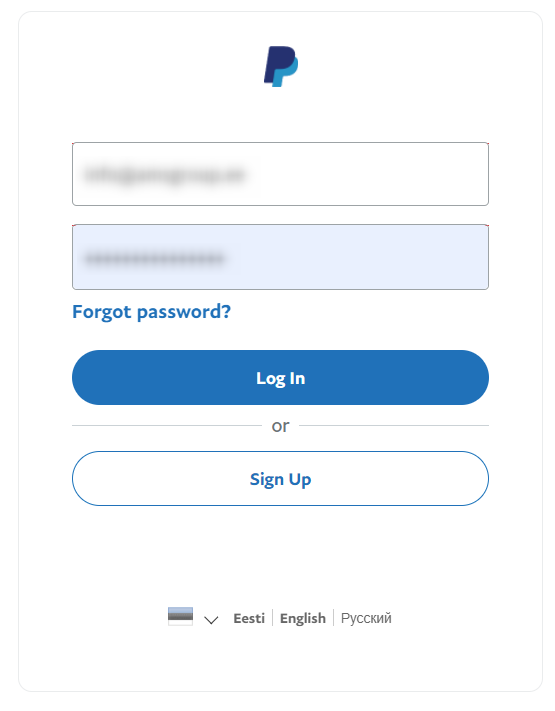
Step 1. Log in to your PayPal business account.
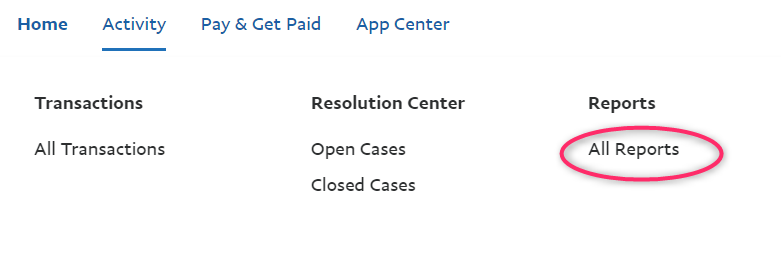
Step 2. Click Activity.

Step 3. Click All Reports.
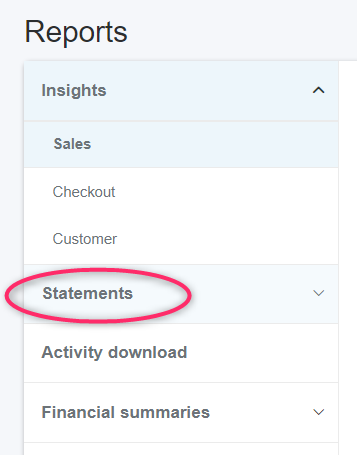
Step 4. In the left menu, click Statements.
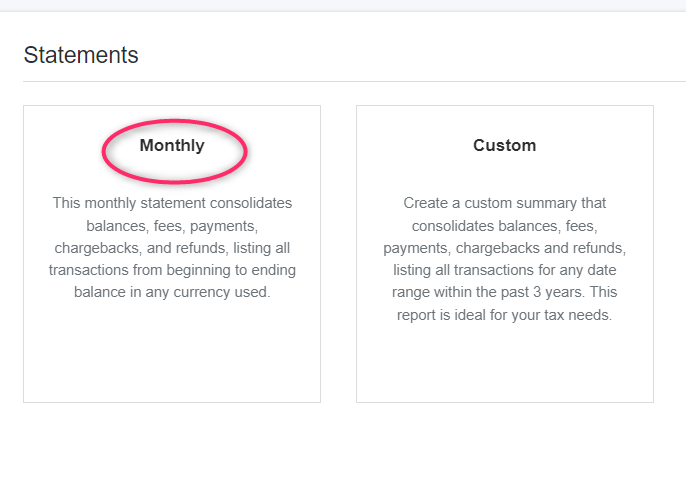
Step 5. Click Monthly.
Step 6. You will see a list of monthly statements. Select the required month and click Request under the PDF and CSV columns.
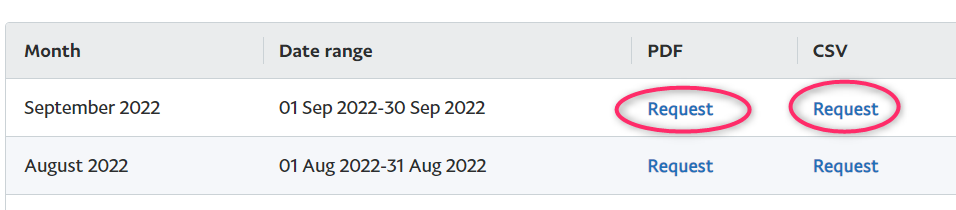
Step 7. The buttons under the PDF and CSV columns will change to In Progress. Wait about a minute.

Step 8. After about a minute, or sooner, In Progress will change to Download. If it does not, refresh the browser page. Click Download under both the PDF and CSV columns.

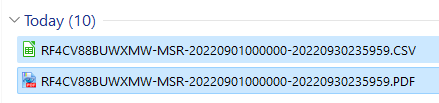
Step 9. Two files will be downloaded to your computer. They will look similar to this:
Step 10. Send both files (PDF and CSV) to your AccRes accountant.