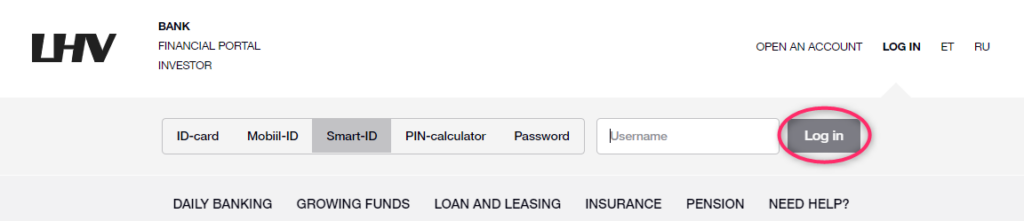
Step 1. Go to the LHV bank's website - https://www.lhv.ee/ and log in.
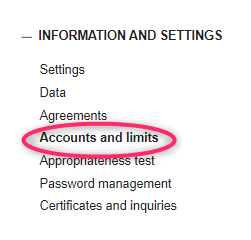
Step 2. Find the INFORMATION AND SETTENIGS section in the bottom left-hand menu and click Accounts and limits.
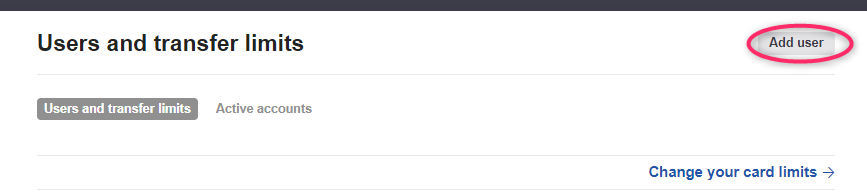
Step 3. Click on the Add user button.
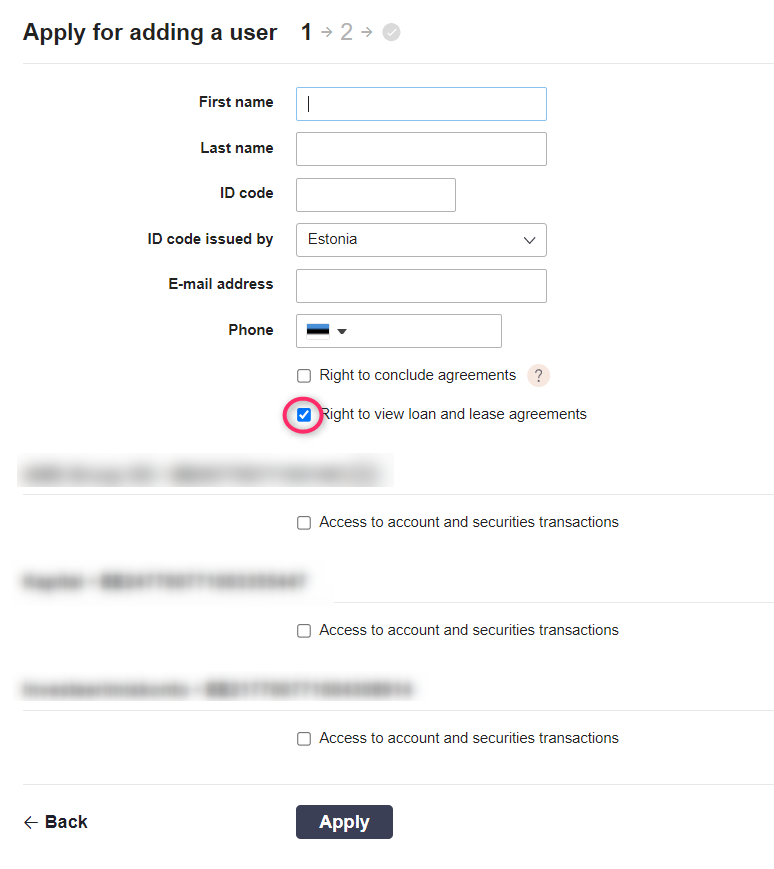
Step 4Fill in the form with an accountant's details:
- First name - accountant's name
- Last name - last name of the accountant
- ID code - personal code of the accountant
- E-mail address - accountant's email
- Phone - phone number
Select the option Right to view loan and lease agreements (this is to allow the accountant to see information about loans and leases, if you have them).
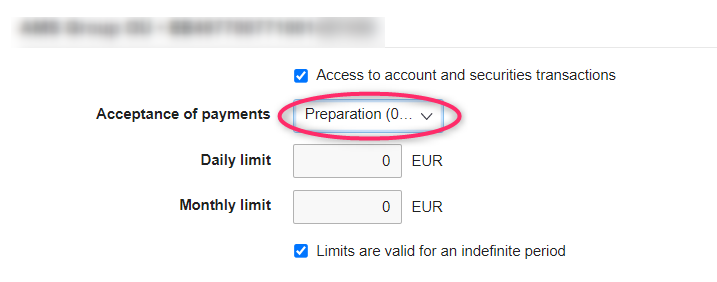
Step 5.Check all your company's invoices. Once the account is marked, additional information about accessing the account will be available. Choose Preparation (0%) in the Acceptance of payments item.
Step 6. Click on the Apply button.
Step 7. Check all the data and click on the Accept button.

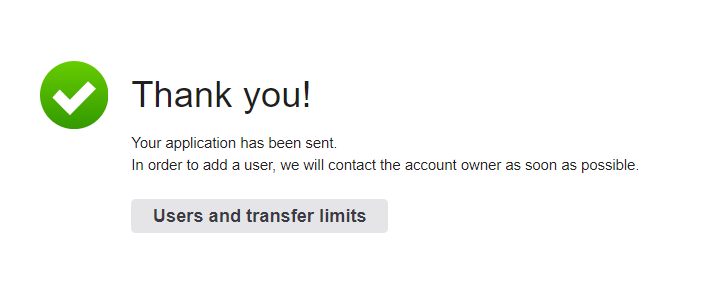
Step 8. After clicking on Accept, you will be asked to sign the application. After signing the application with an electronic signature, you will see the following message. This means that you have successfully added an accountant for viewing and uploading your bank statement.