Step 1. Login to the Commercial Register (https://ariregister.rik.ee/eng) by pressing the LOGIN button and selecting the appropriate authentication method. For example, ID-kaart if you are using e-Residency card. At this step you will need the PIN1 of your card.

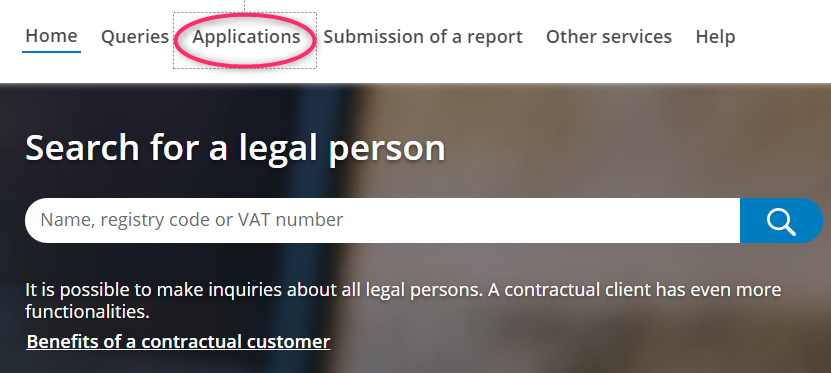
Step 2. Click on the Applications button in the top menu.
NB! If the language is changed to Estonian, select English again.
Step 3. Press the Dashboard button.

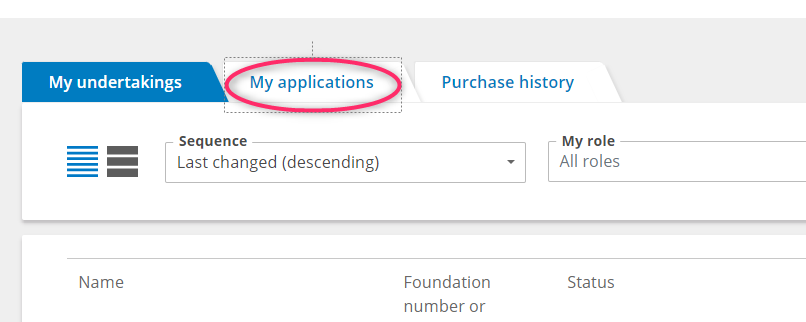
Step 4. On the page that opens, click on the My applications button
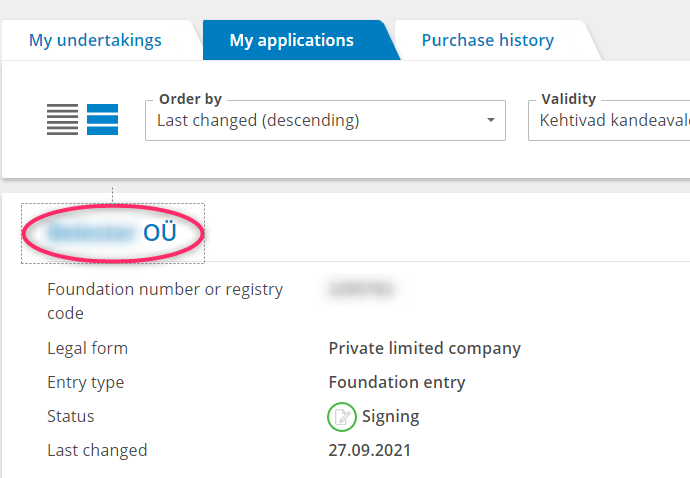
Step 5. Click on the name of your future company.
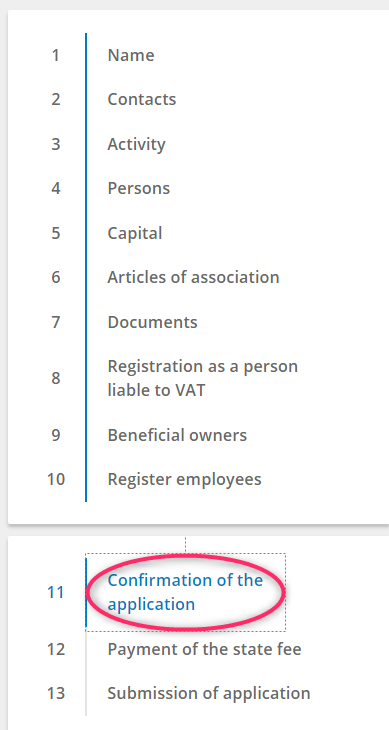
Step 6. Ensure that step eleven, Confirmation of the application, is selected on the page that opens. If another step is selected, click on the name of step eleven.
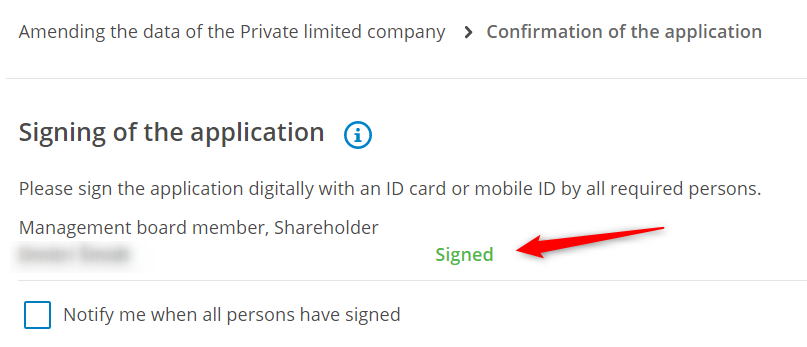
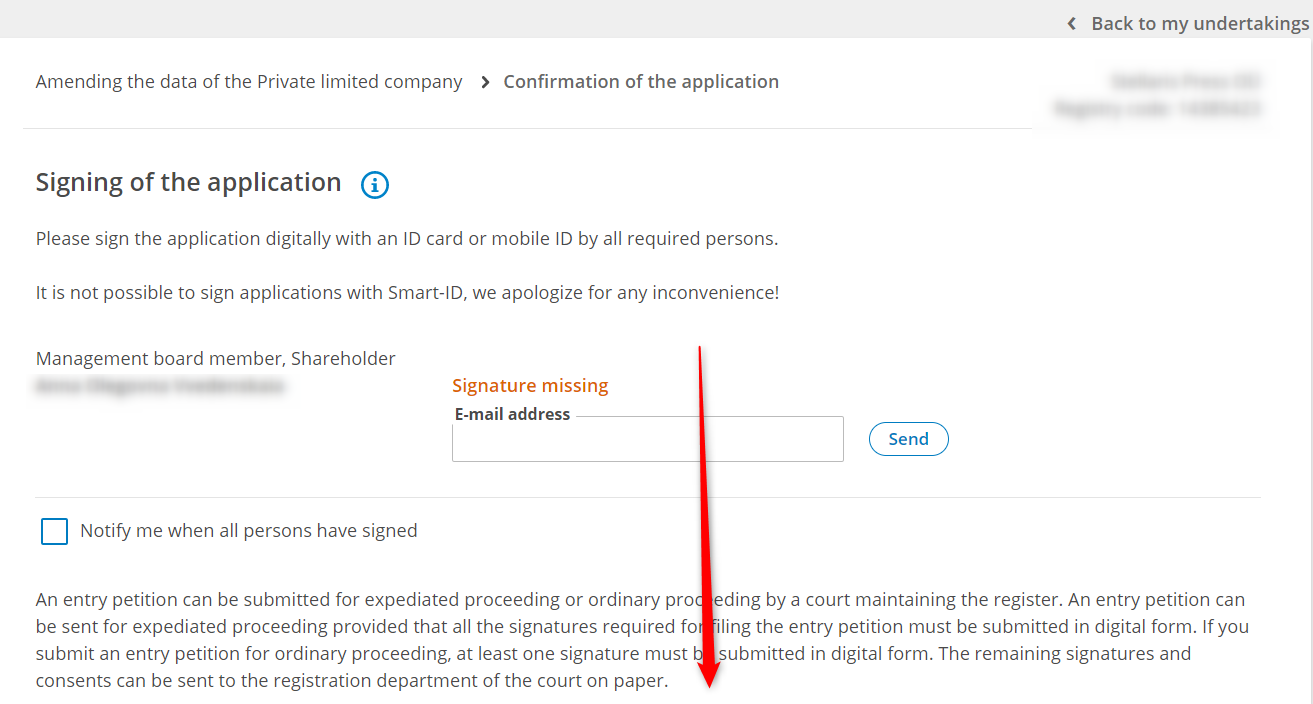
Step 7. The step of signing the application looks like the picture below. You need to scroll down the page to sign the application form.
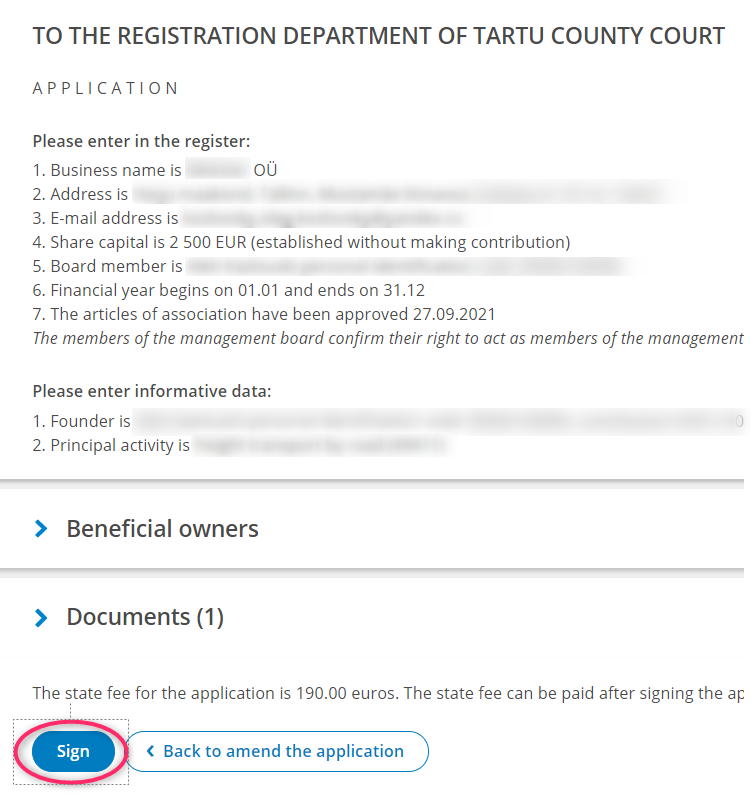
There you will find the Sign button. To sign the application, click on the Sign button and follow the instructions. You will need the PIN2 of your e-Residency card to sign the application form.
Step 8. Check that the Signature status has changed to Signed with the green stamp. Afterwards, please let our consultant know that you have signed the application.