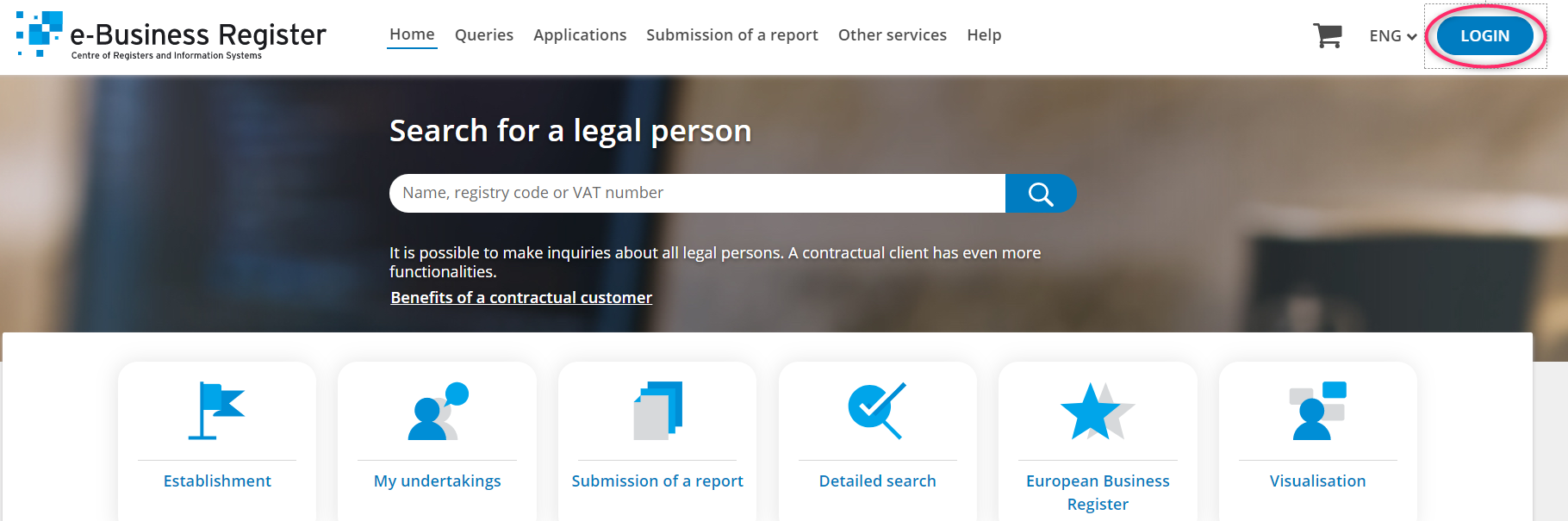
Step 1. Open the e-business register website https://ariregister.rik.ee/eng and click on the LOGIN button
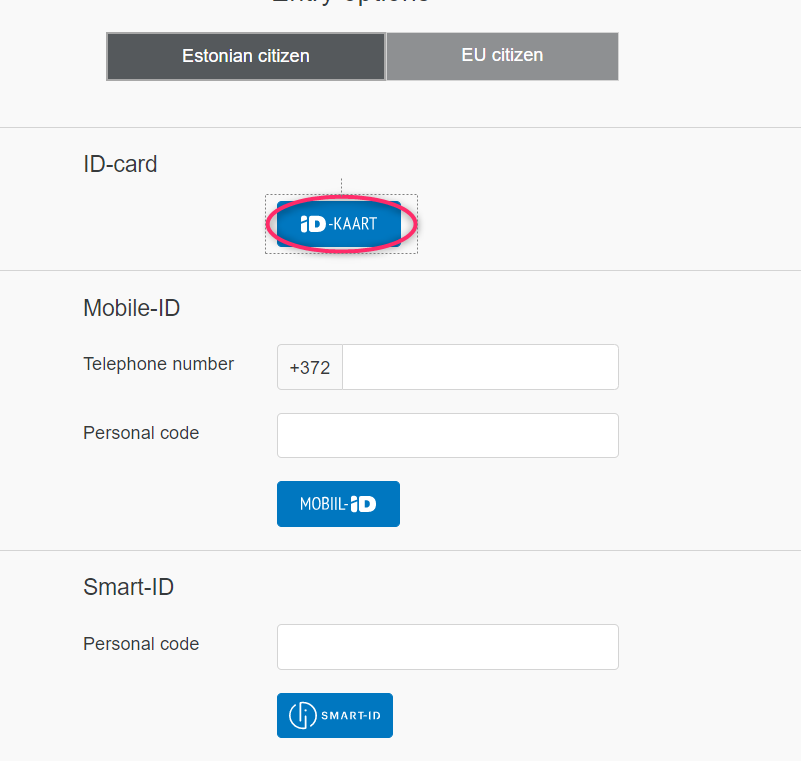
Step 2. Select the appropriate authentication method. To log in with e-Residency card, press ID-KAART button. Then select the certificate and enter PIN1, then press OK.
Step 3. Choose English again if you do not speak Estonian.

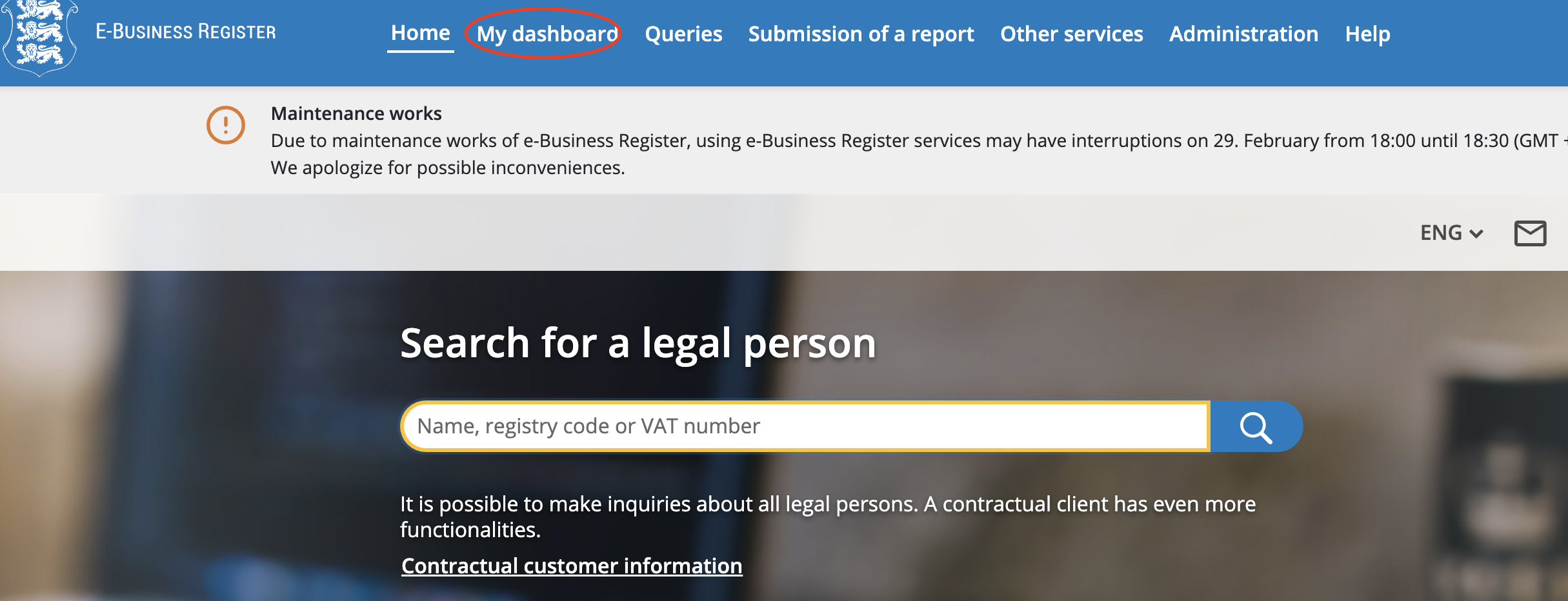
Step 4. In the top menu, click on the "My Dashboard" button.
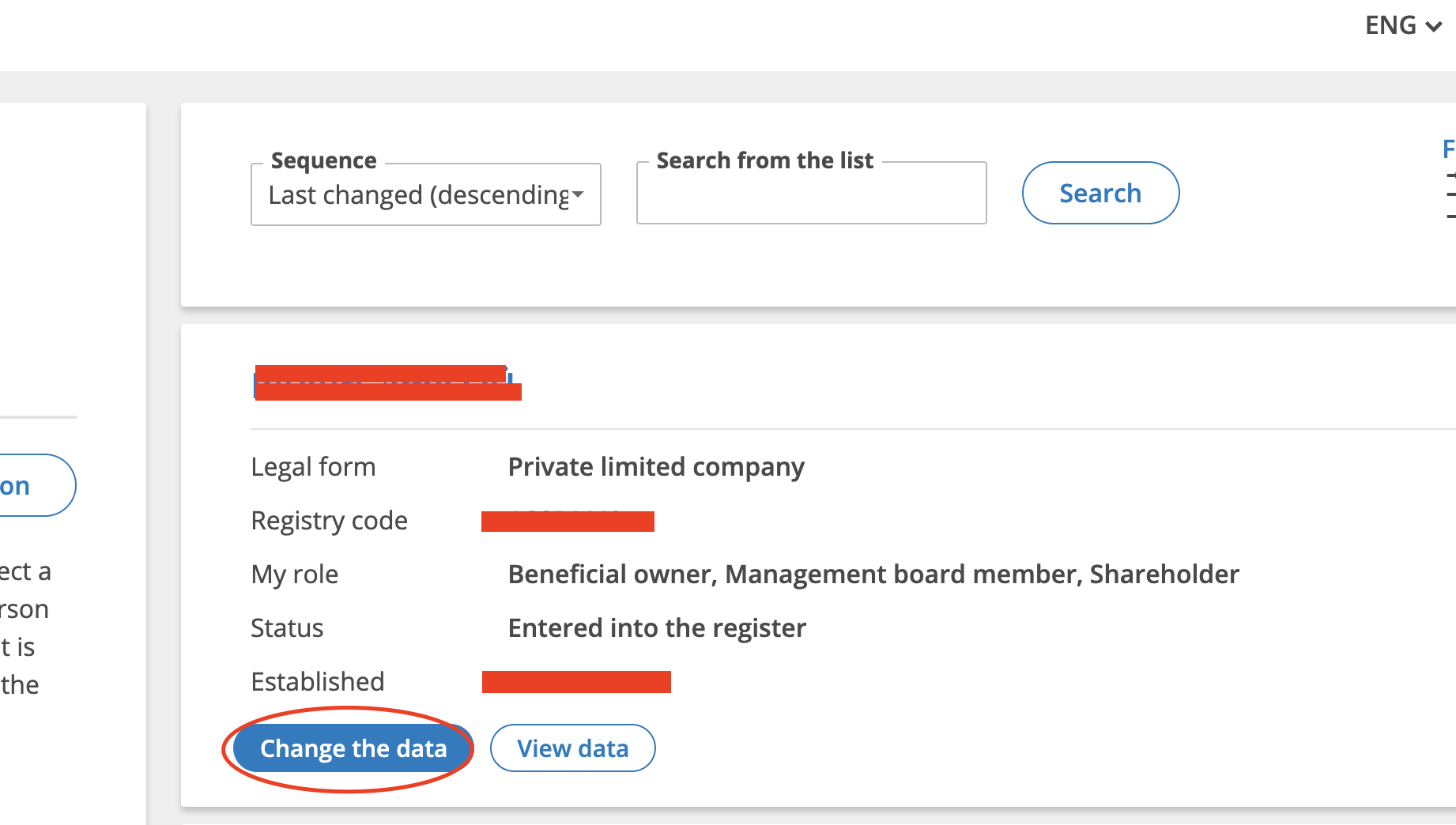
Step 5. Please click on the name of the company you wish to access.
Step 6. Click on the "Liquidate Legal Person" button on the left.
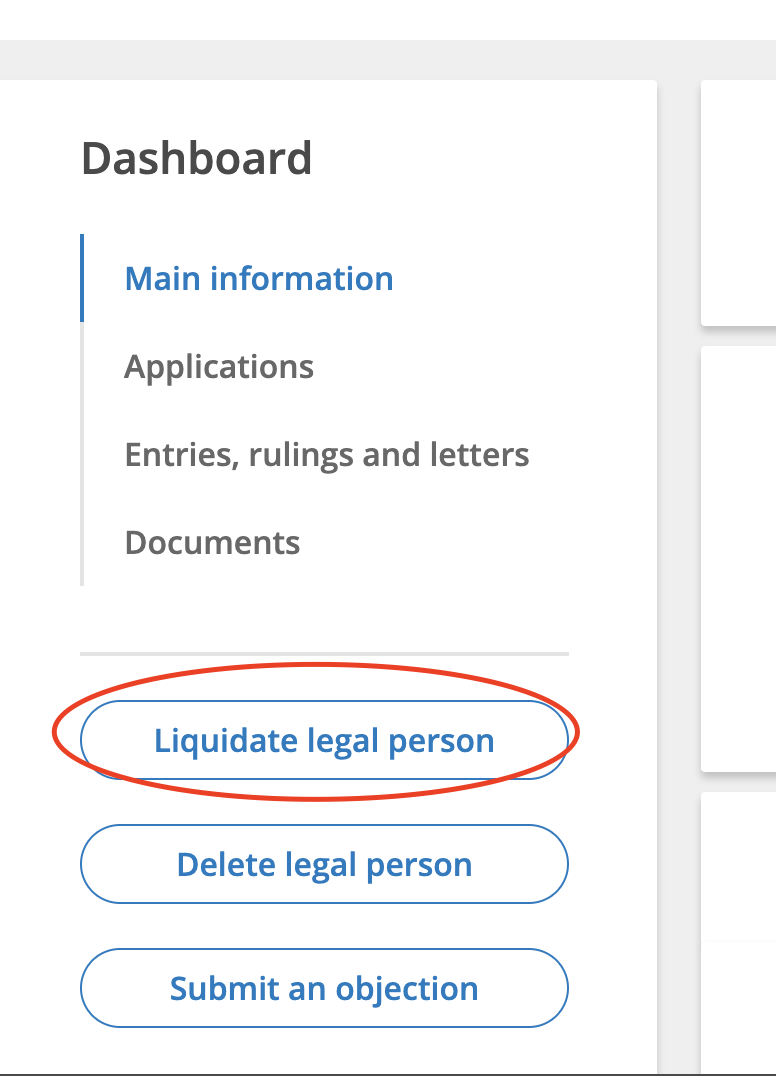
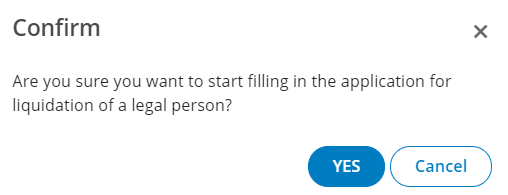
Step 7. Confirm the action by pressing the YES button.
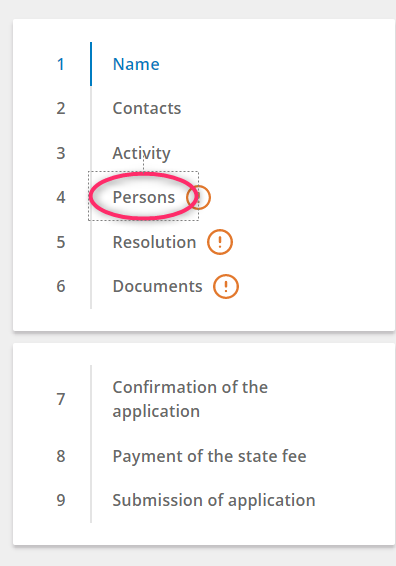
Step 8. From the menu on the left, click on Persons.
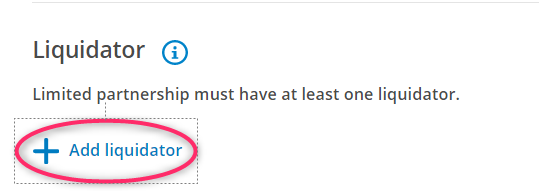
Step 9. Add a liquidator by clicking on the Add liquidator button.
Step 10. Enter the liquidator identity code and click on Save. The Name and Surname will be uploaded automatically.
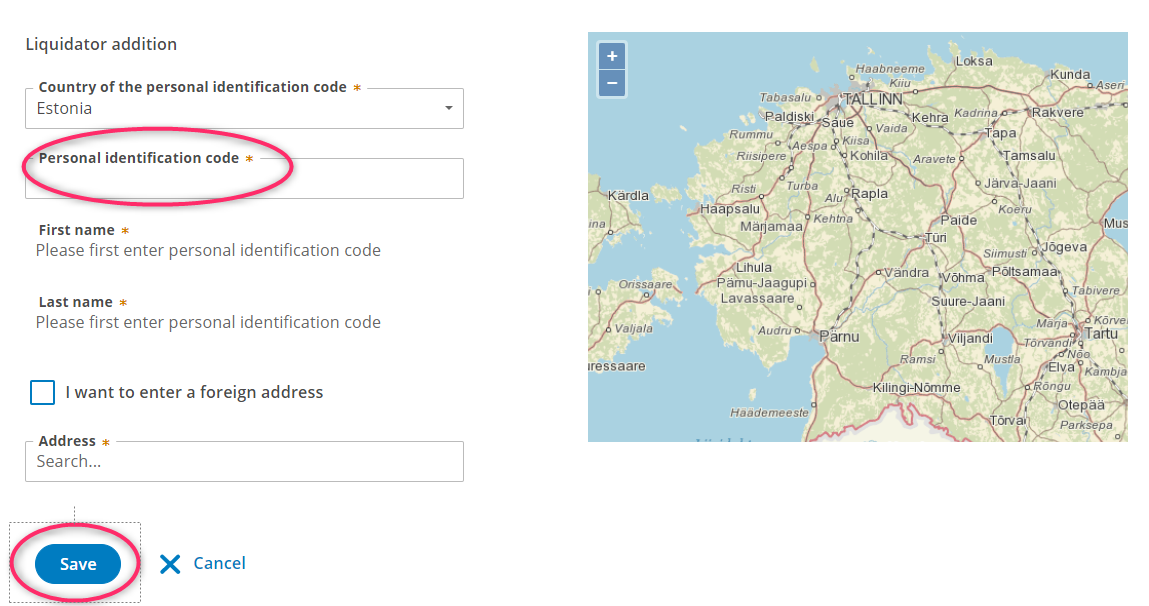
If you did everything correctly, the liquidator can continue the liquidation process himself. All you have to do is send them a digitally signed decision on the liquidation and sign the application in the register.
NB! The liquidator will also send you a draft decision about the liquidation after adding it to the application.