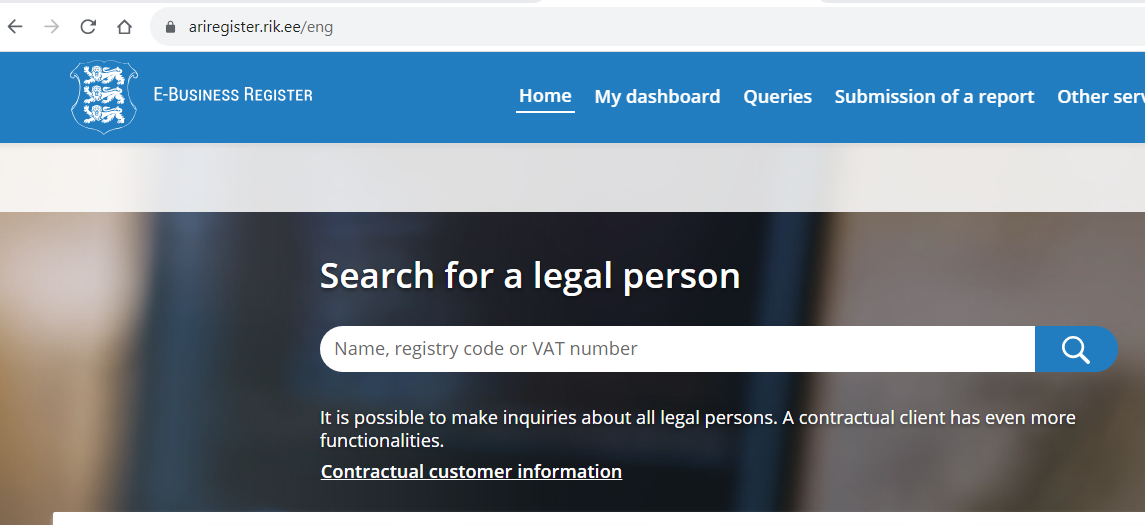
Step 1. Go to https://ariregister.rik.ee/eng.
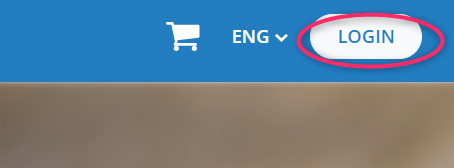
Step 2. Click on the LOGIN button.
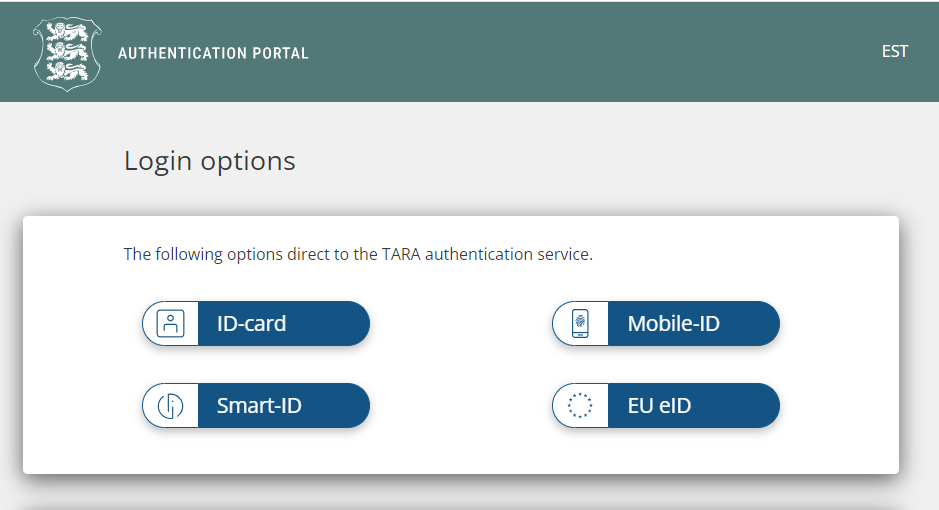
Step 3. Select the appropriate authentication method. NB! If you have an e-Residency card, this method will be called ID-card.
Step 4. Click on My dashboard.

Step 5. Click on the name of your company that you want to access.
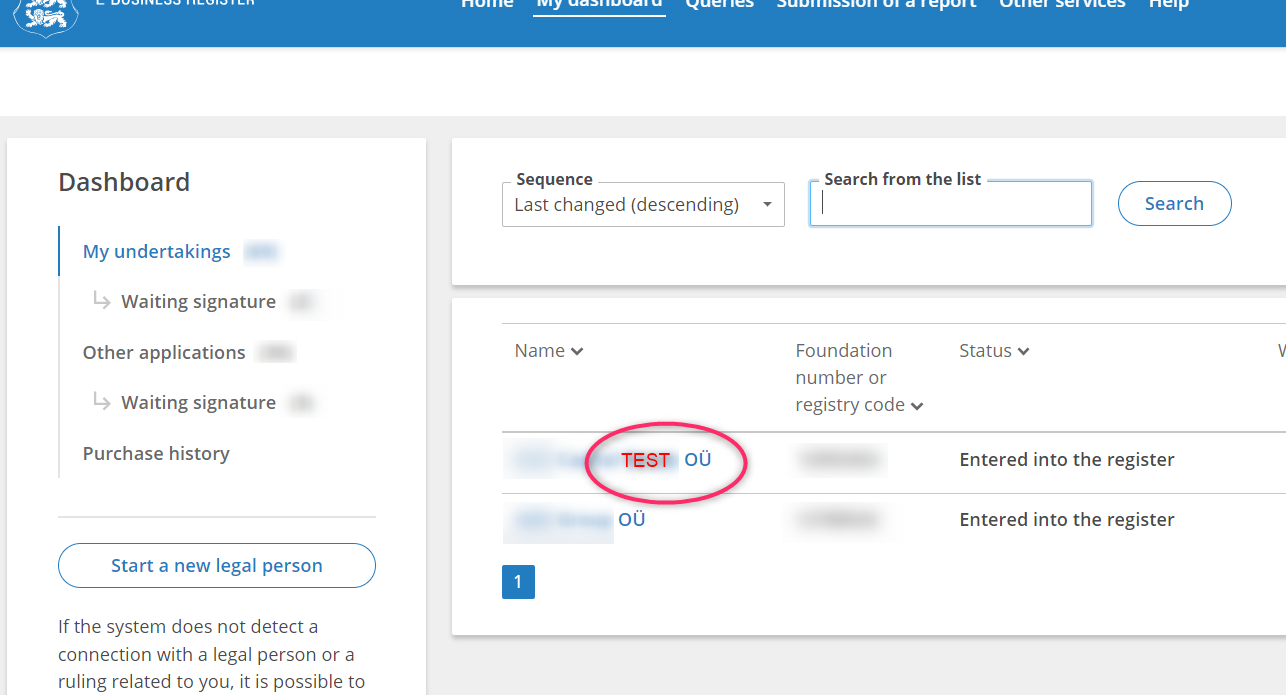
Step 6. A window of this kind will open in front of you:
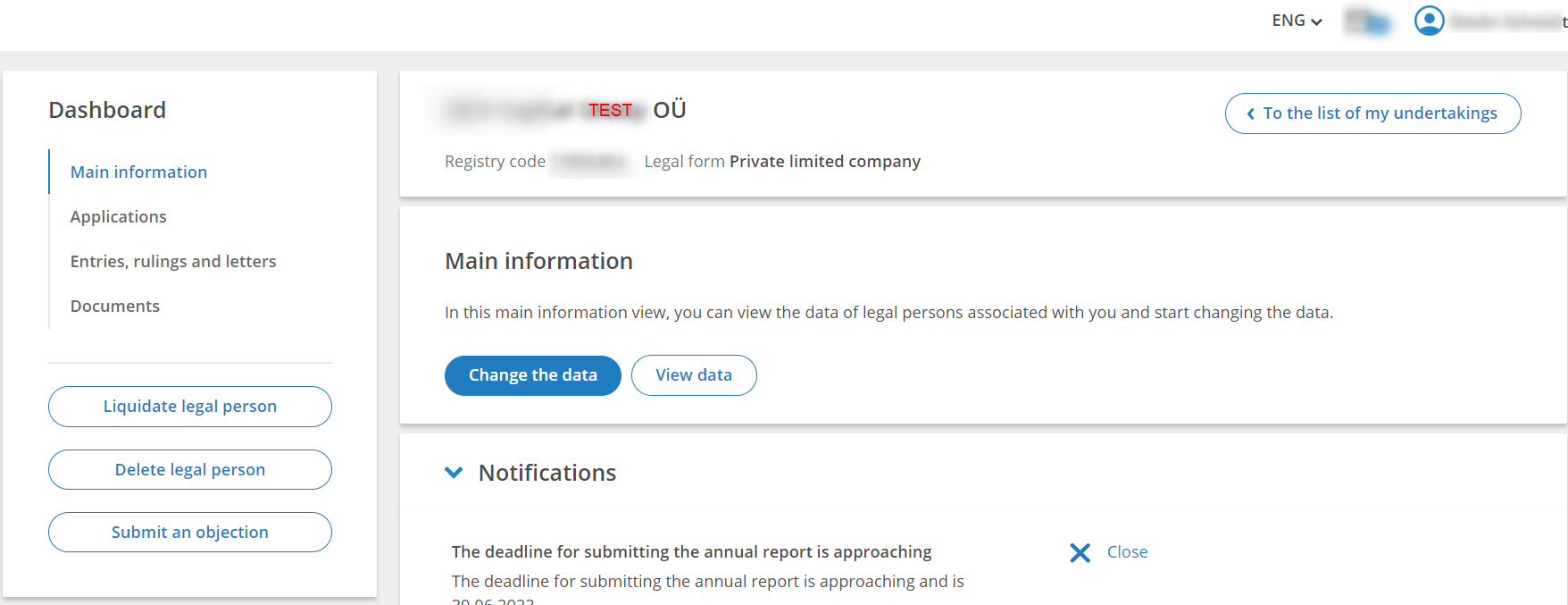
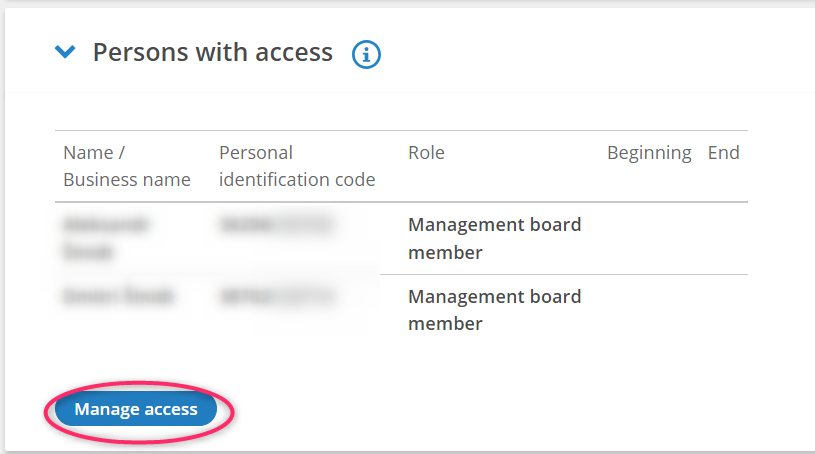
Scroll down to the Persons with access section and click on Manage access.
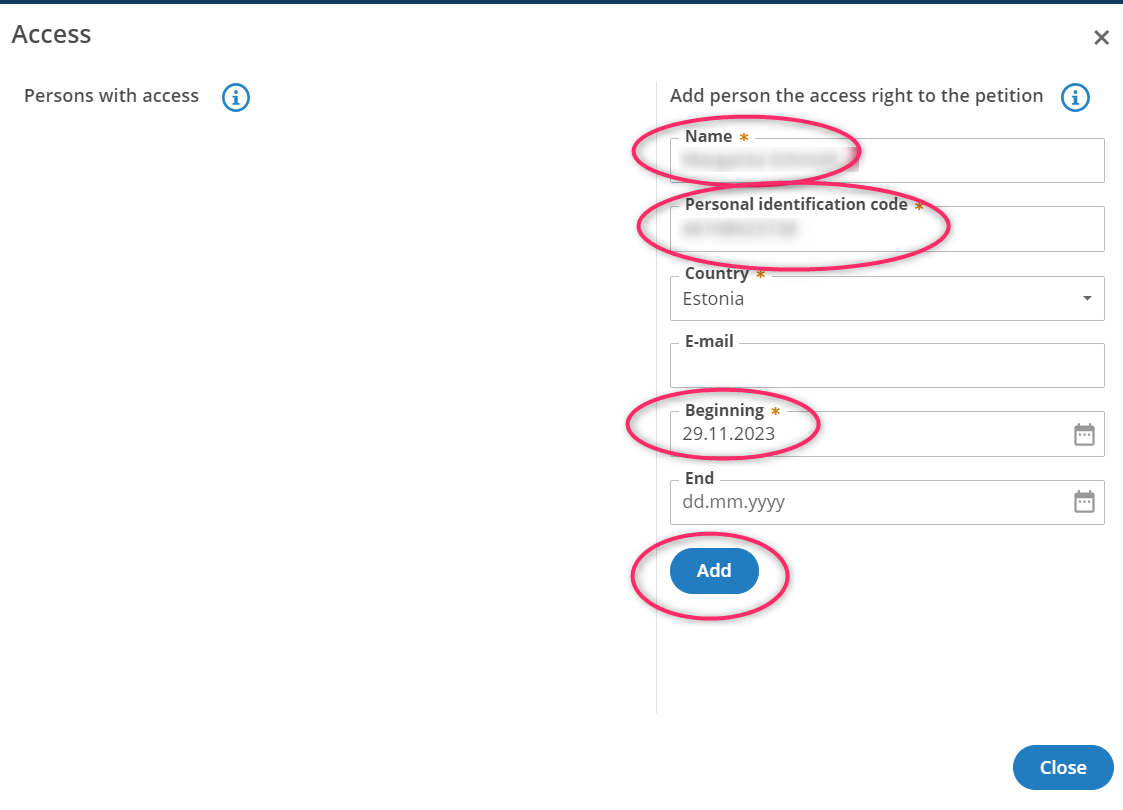
Step 7. Fill in the Name, Personal identification code, Beginning fields and click the Add button.
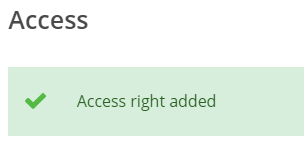
If you have done everything correctly, you will see the following message on the screen: