Step 1. Open the Estonian Business Register.
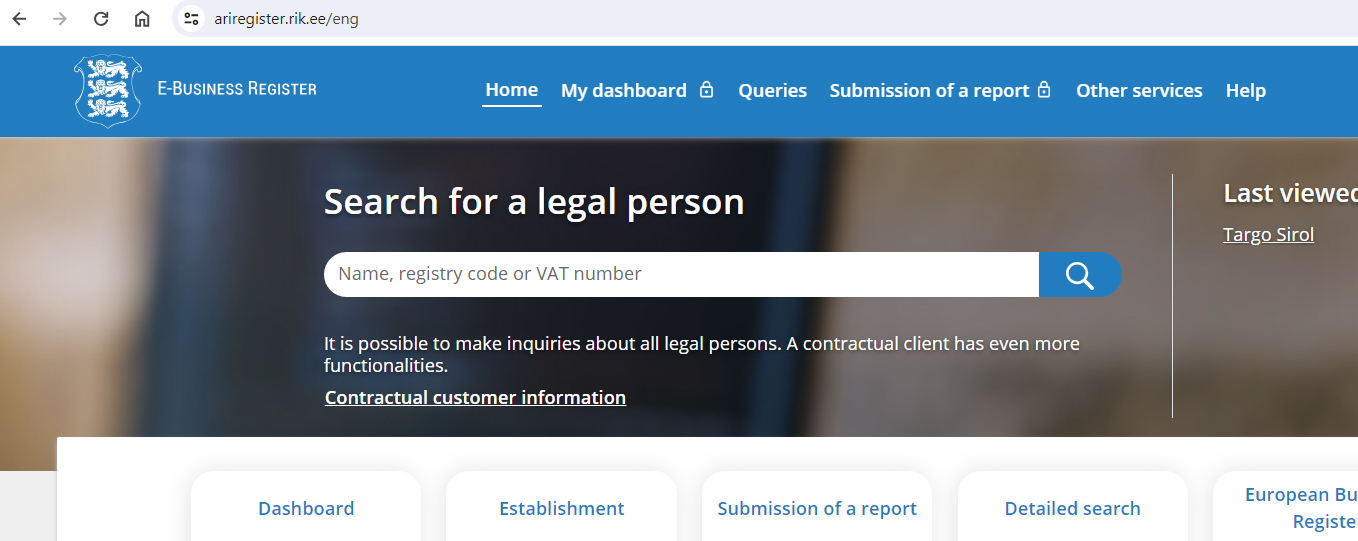
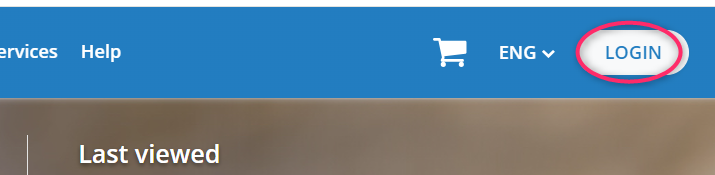
Step 2. Click LOGIN.
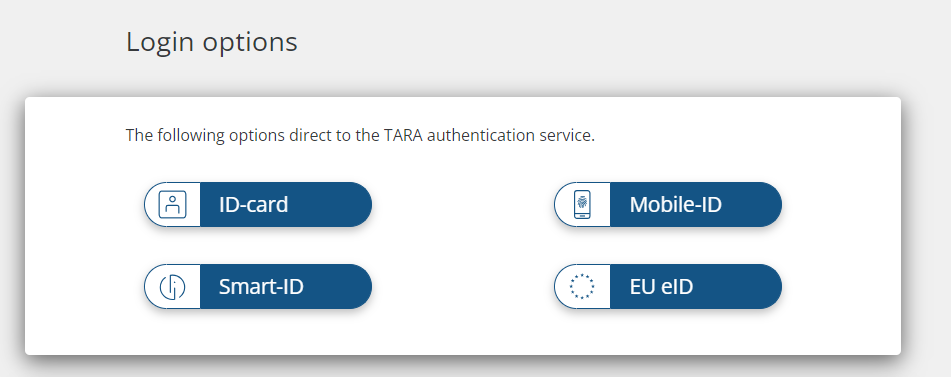
Step 3. Choose the authentication method that is most convenient for you.
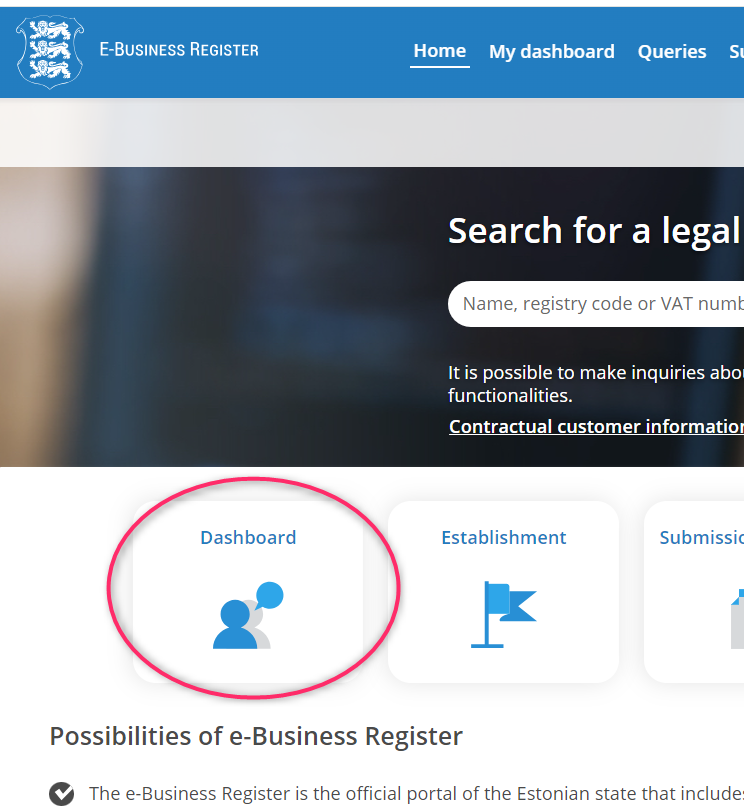
Step 4. Click Dashboard.
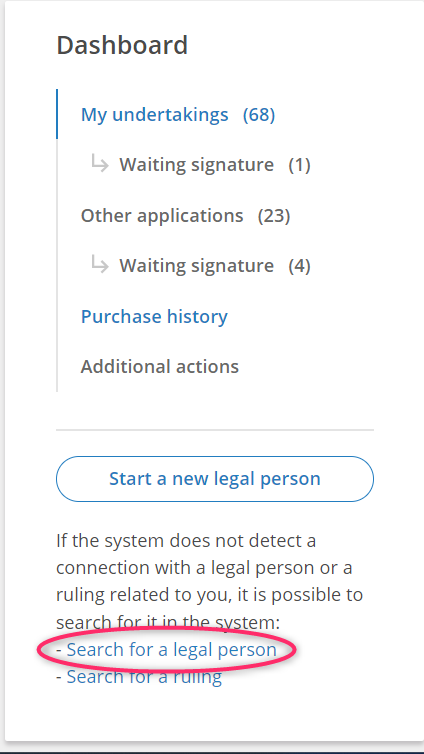
Step 5. In the left menu, click Search for a legal person.
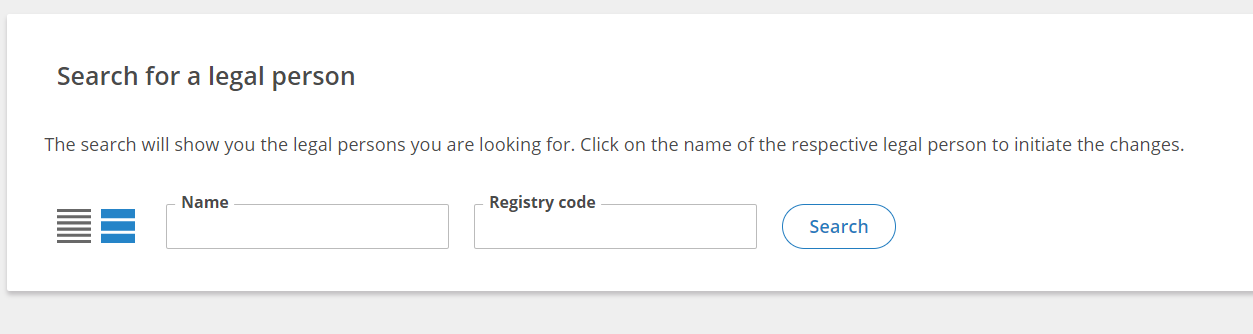
Step 6. Enter the name or registry code of your deleted company. Then click Search.
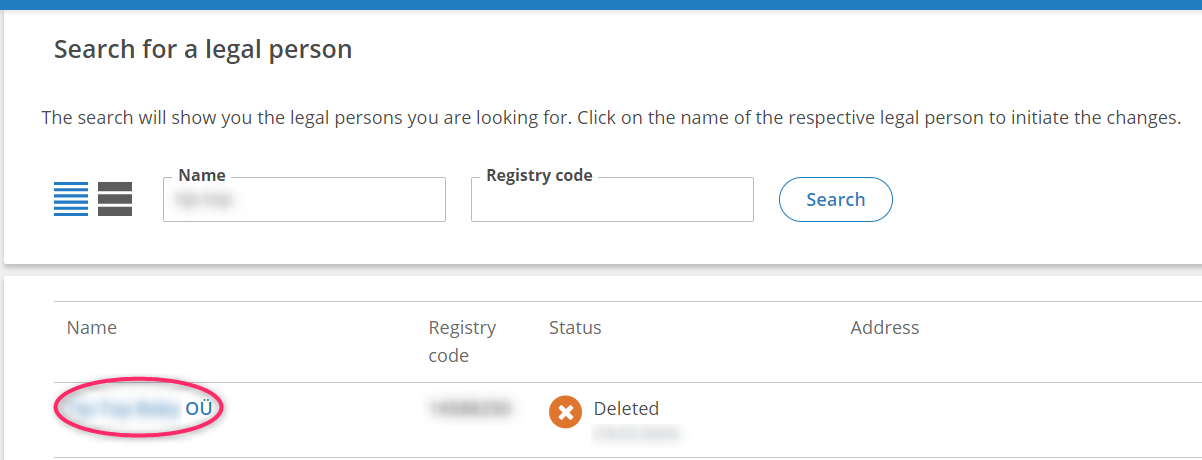
Step 7. In the search results, find your deleted company and click its name.
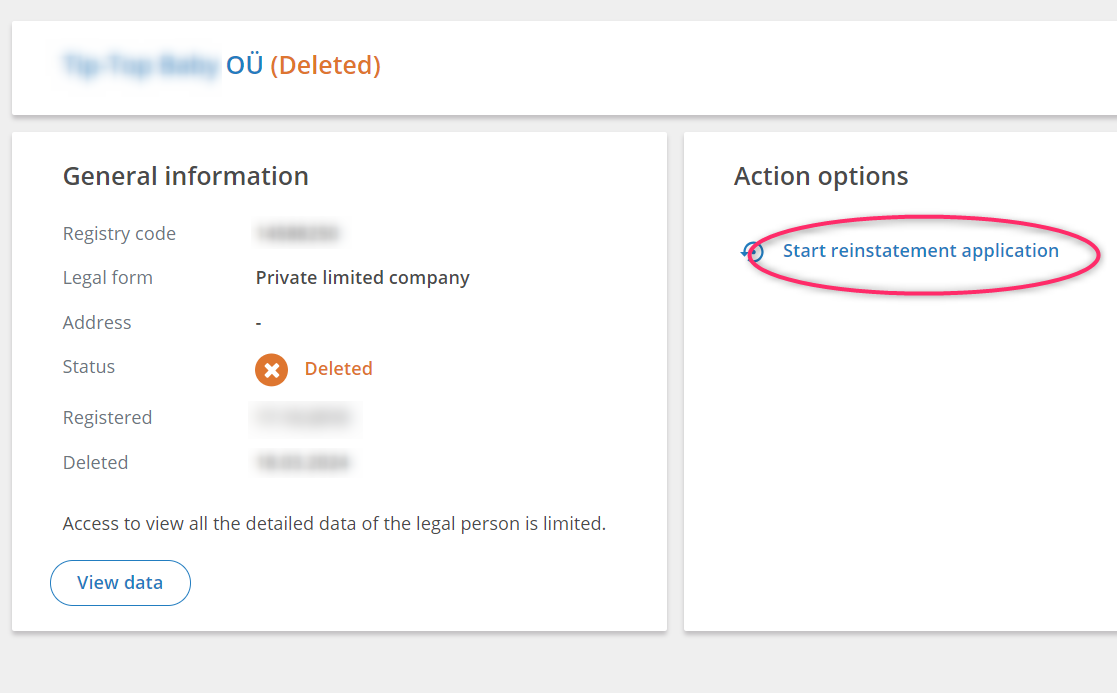
Step 8. Click Start reinstatement application.
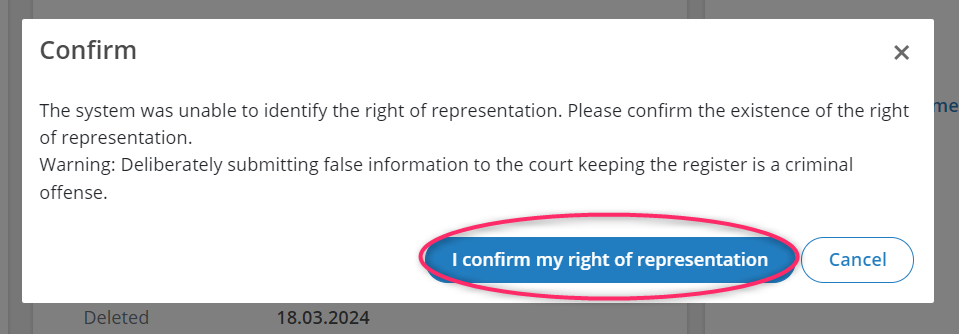
Step 9. Click I confirm my right of representation.
NB! Click this button only if you were the owner or a board member of the deleted company.
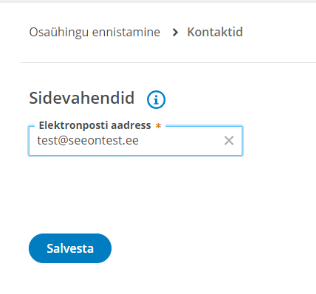
Step 10. After confirmation, the application form will open. First enter a valid email address and click Save. The Business Register will send an email to this address; open it and click the email confirmation link.
Step 11. Give our specialist access to this application so they can prepare everything. Use this guide. Support will send you the contact details of the specialist to add.