To open the right to view your Wise statement for an accountant, you need to follow the steps described below.
Step 1. Open the Wise homepage - https://wise.com/ and click on the Log In button.

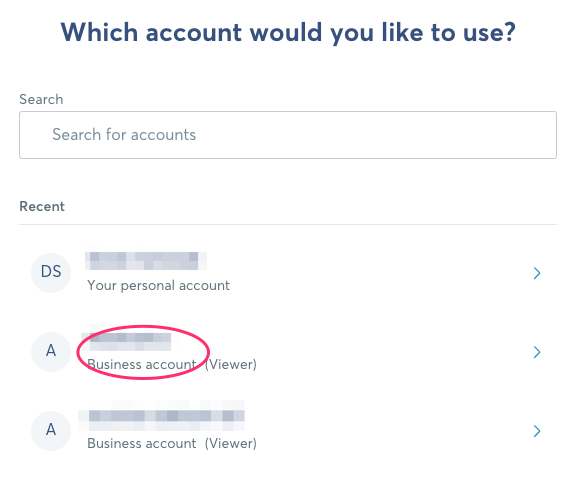
Step 2. Select your company to which you want to add an accountant.
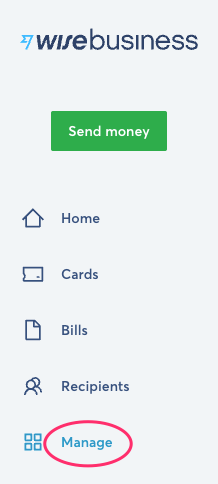
Step 3. In the menu on the left, click on the "Manage" button.
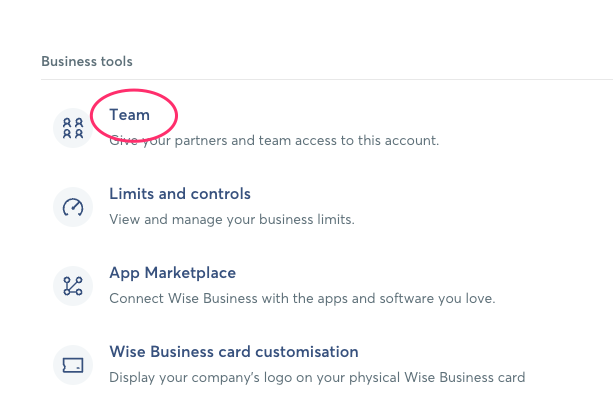
Step 4. Please click on the button "Team".
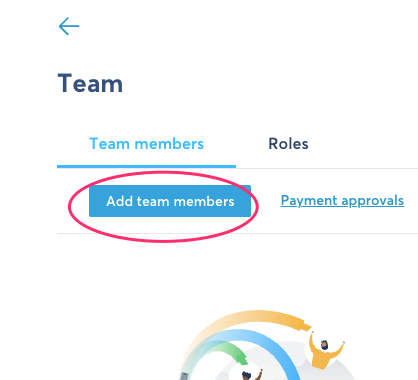
Step 5. In the window that appears, click on the "Add team members" button.
Step 6. In the field “Enter email address. e-mail, enter the accountant's email and select the role. The accountant needs a viewer role.
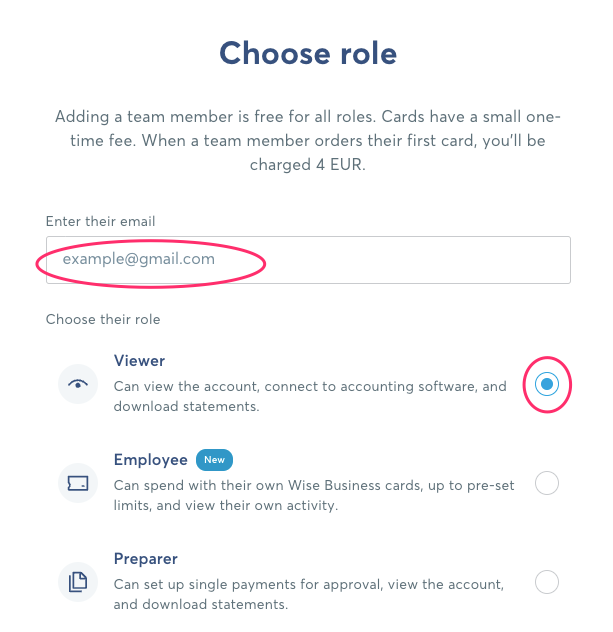
Step 7. Click on the "Add 1 Viewer" button.

If you have done everything according to these instructions, you will no longer need to send your bank statement to the accountant every month. The accountant will upload it himself in the format he needs.