Step 1. Log into your account in Nola Accounting.
Step 2. Choose the language that is convenient for you. There are versions in English and Russian.
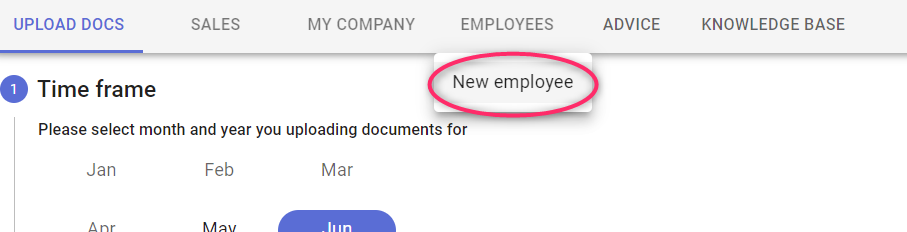
Step 3. Hover over the button in the menu labeled EMPLOYEES and click on New employee in the menu that opens.
Step 4. Fill in the information about the worker by answering the questions and giving the worker's information. Notice that many of the questions have an information icon next to them.

If you hover over this icon, you will see a more detailed commentary on the question.
For convenience, the registration process is divided into several steps:
1. Employee personal info
2. Contract details
3. Taxation
4. Documents upload
5. Review
6. Upload
Enter the personal data of the employee and the data of the contract.
Step 5. Pay attention to step number 3 - Taxation.
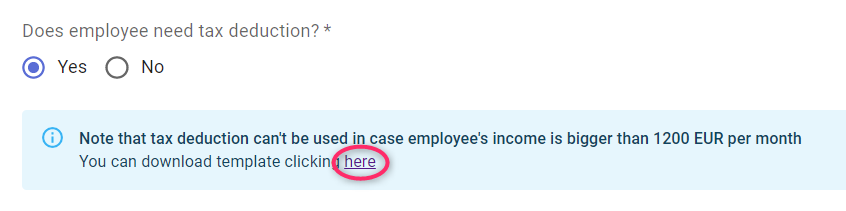
If you chose the option that the employee would have a tax-exempt minimum statement, you can download the template at the link.
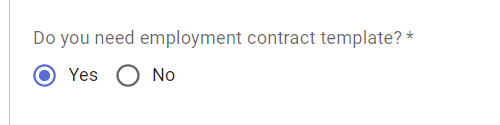
At this point you can choose whether you want us to register the new employee on the labor registry or whether you will do it yourself.

Also at this stage you have the opportunity to automatically generate an employment contract for your employee, based on our template.
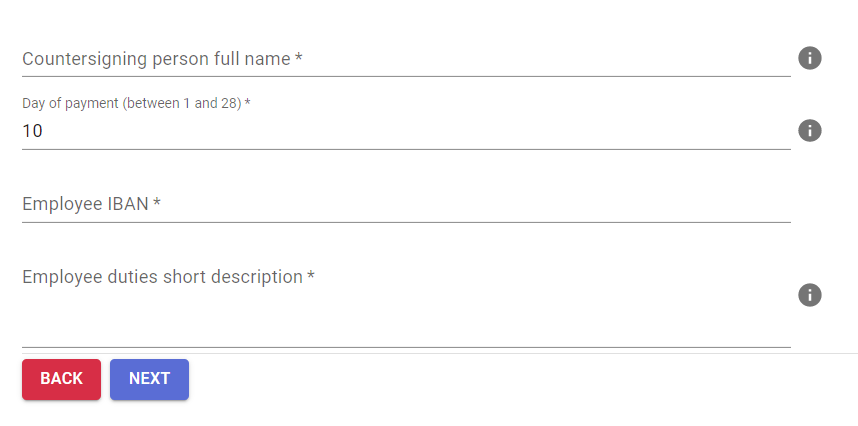
When choosing this option, you will need to specify additional information - who will sign the contract from the company, the day of salary payment, the employee's bank account number and a brief description of the employee's responsibilities.
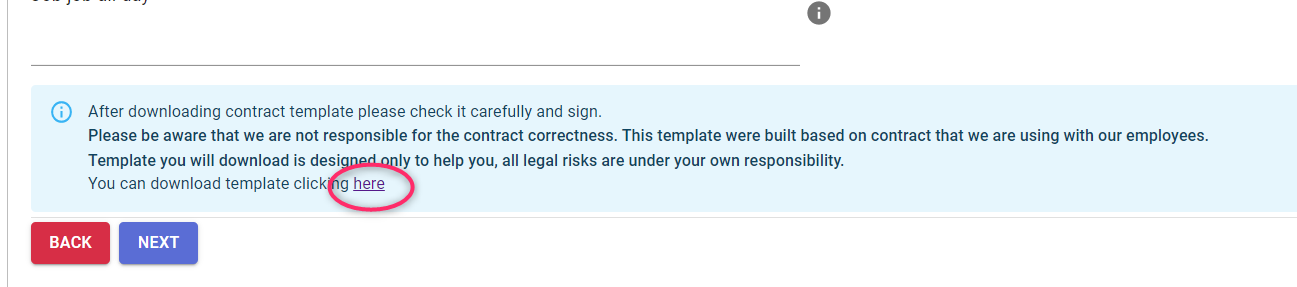
If you have selected automatic contract generation, after downloading the contract template, please check it carefully and sign it.
Please keep in mind that we are not responsible for the correctness of the contract. This template was created based on the contract we use with our employees.
The template you download is only intended to help you, all legal risks are your own responsibility.
NB! The contract can be downloaded by clicking on the link.
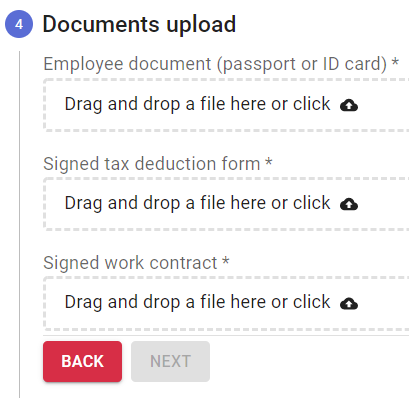
Step 6. Upload an employee identification document, a signed statement of nontaxable minimum by the employee, and an agreement signed by a company representative and the employee.
Step 7. Verify all of the information you provided by going to step number 5 - Review. Then click the Notify button.
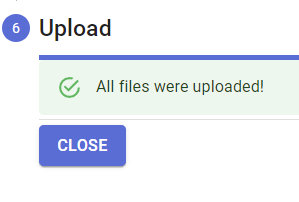
Then wait for the documents to be uploaded and for the All files were uploaded message to appear. Then click the CLOSE button.