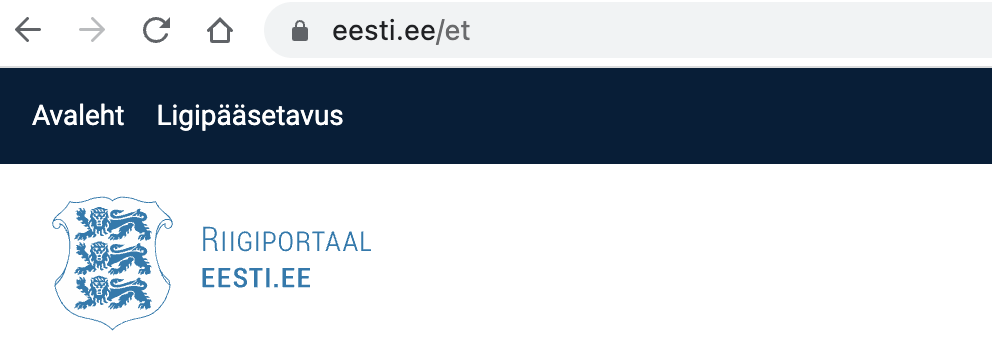
Step 1. Open the Citizen Portal - eesti.ee
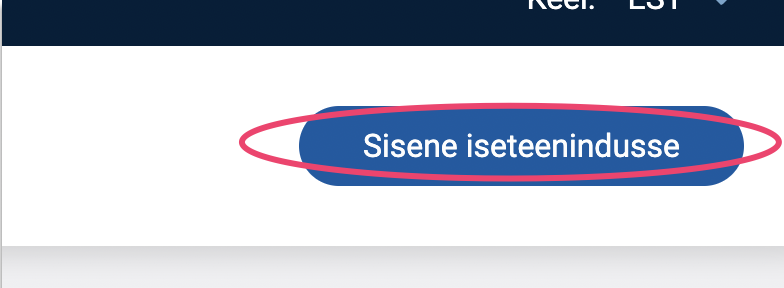
Step 2. Click the Sisene iseteenindusse button.
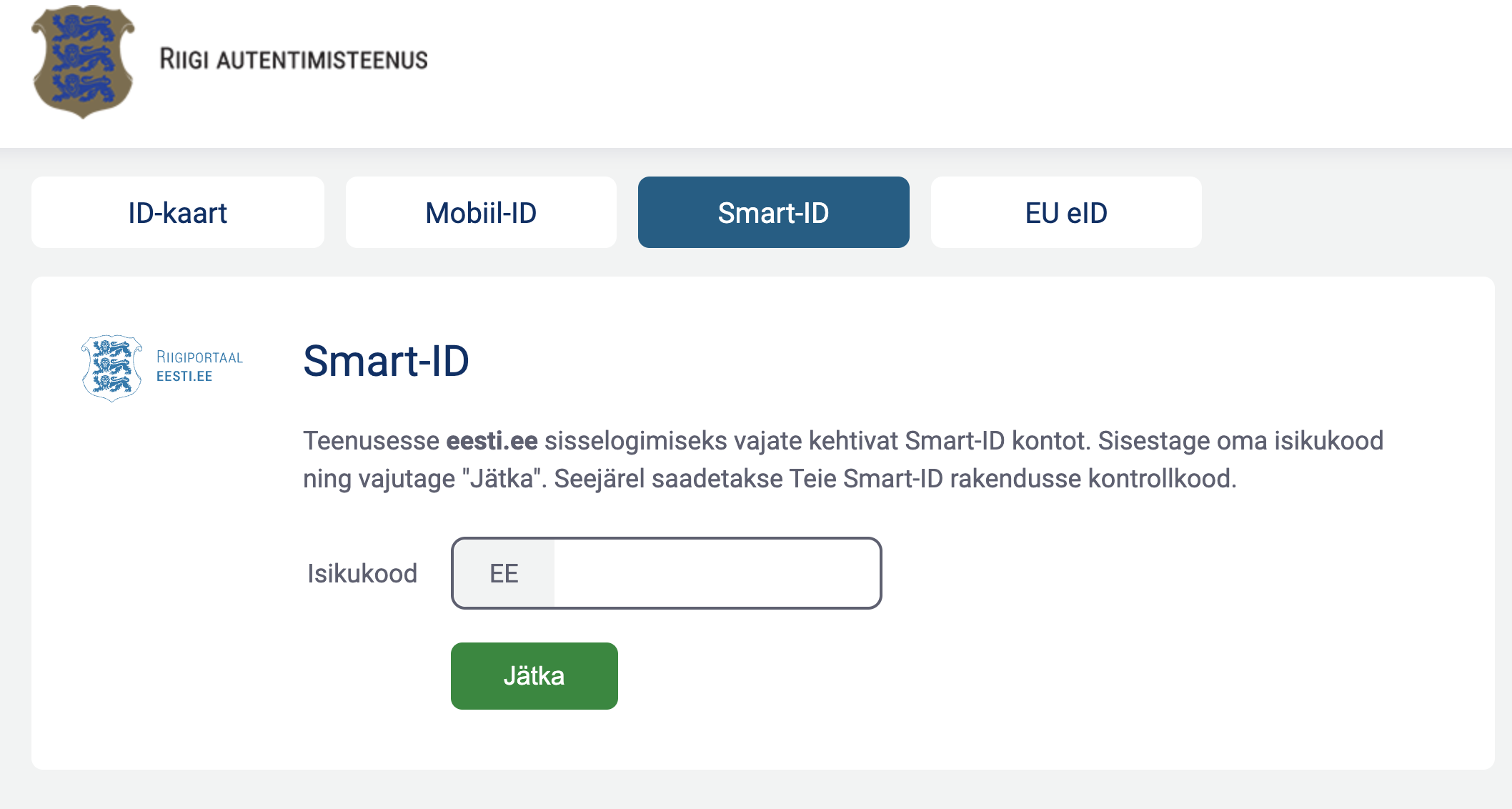
Step 3. Choose a convenient method of authentication and log in to your personal cabinet.
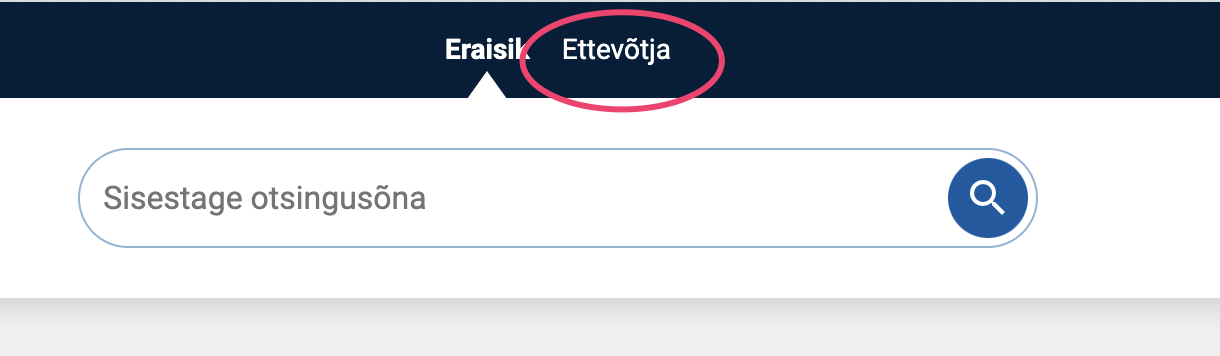
Step 4. Select the Ettevõtja section.
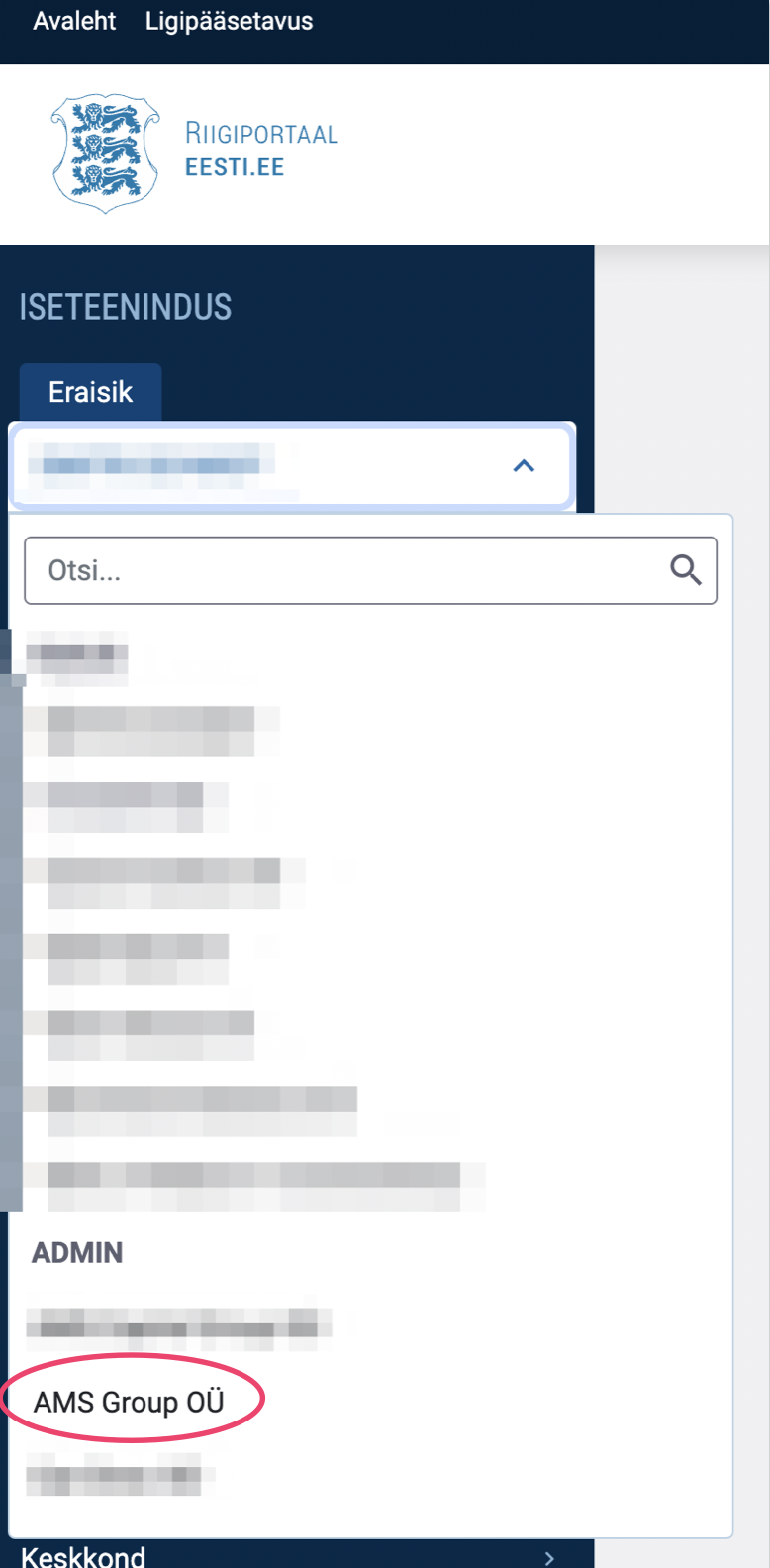
Step 5. In the menu on the left, select your company name. NB! The screenshot below shows our company only as an example.
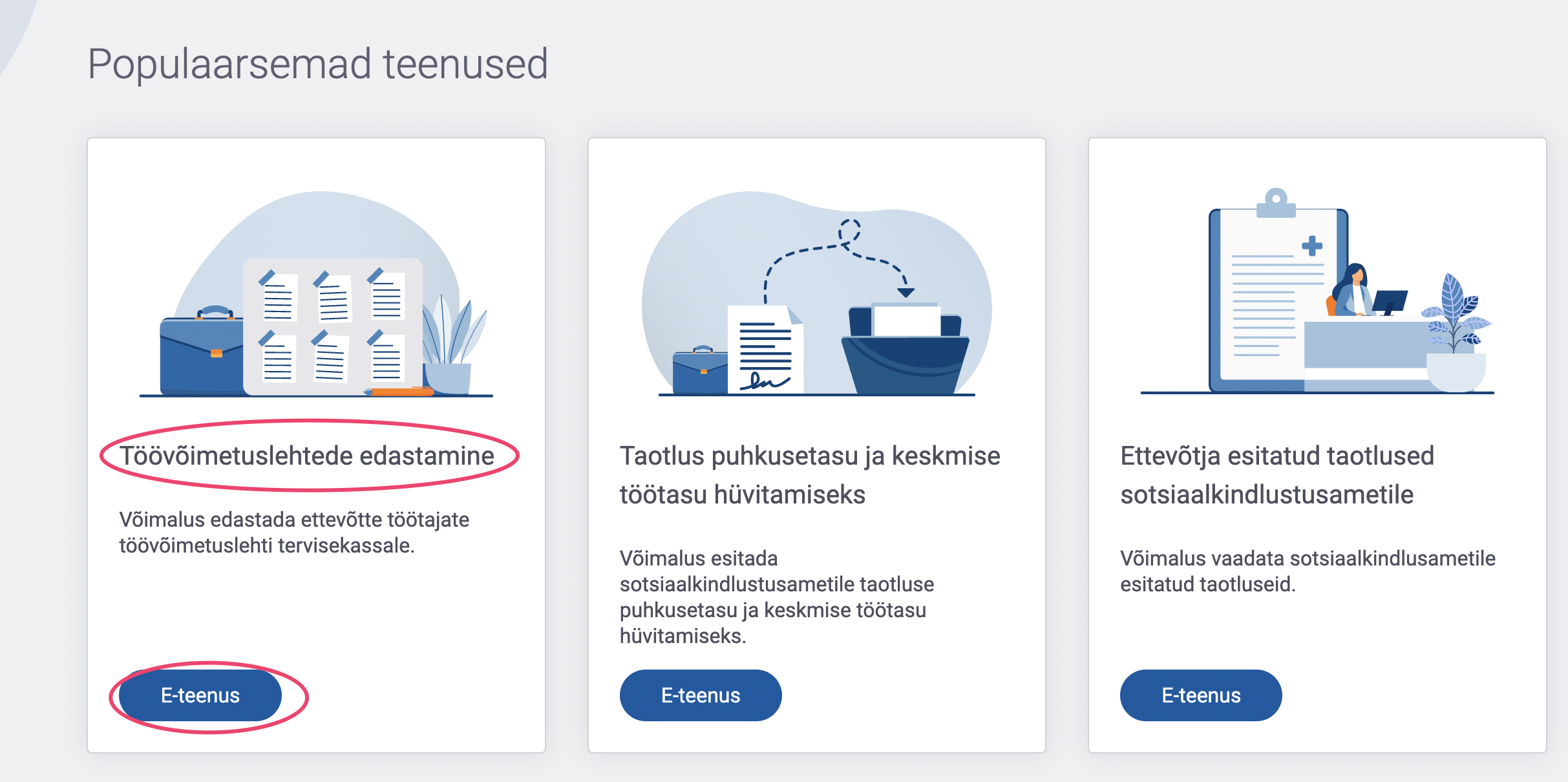
Step 6. Click on the E-teenus button under the Töövõimetuslehtede edastamine service..
Step 7. In the window that opens, click the Edastan andmed button.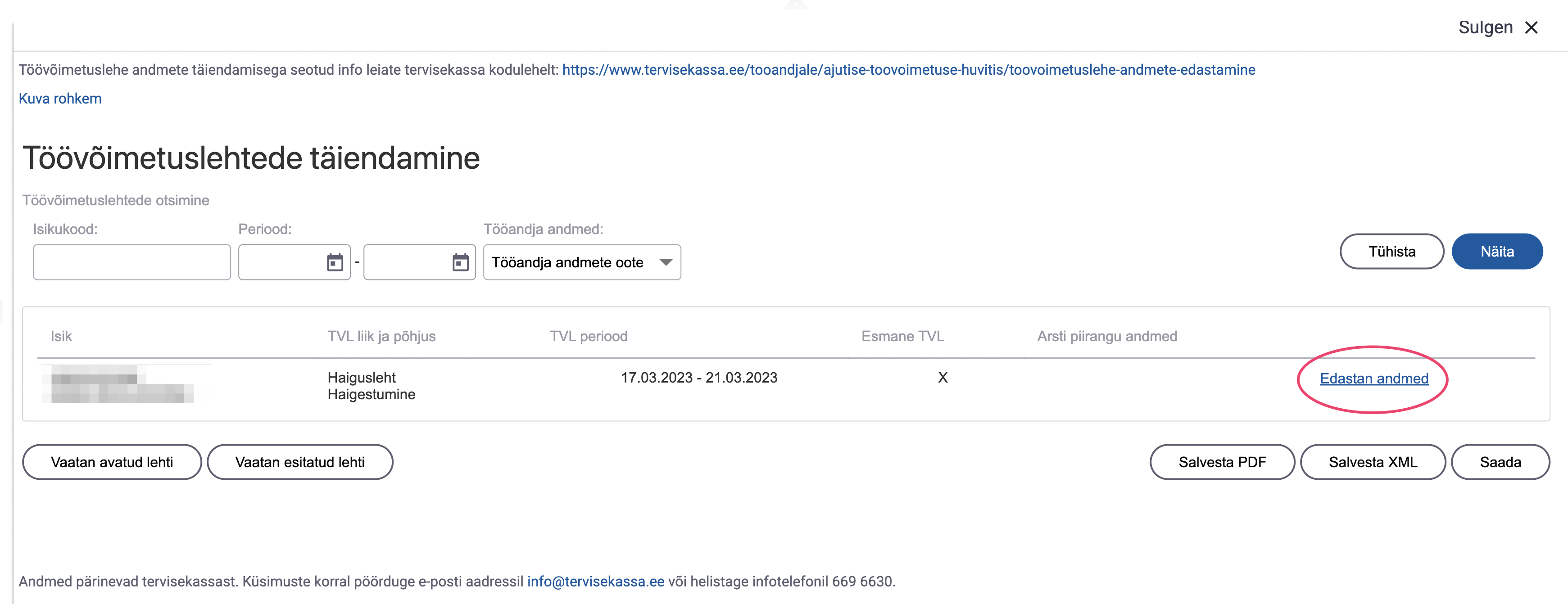
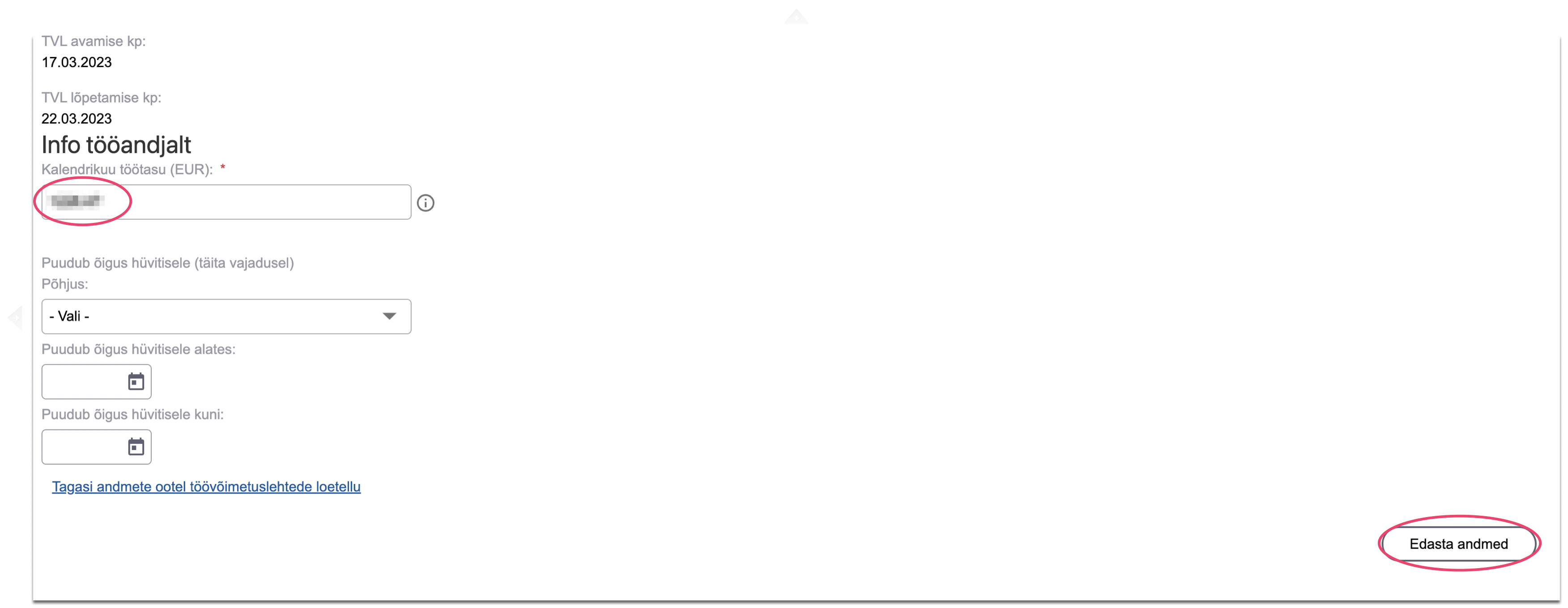
Step 8. Enter the gross amount of the employee's monthly salary under the contract. 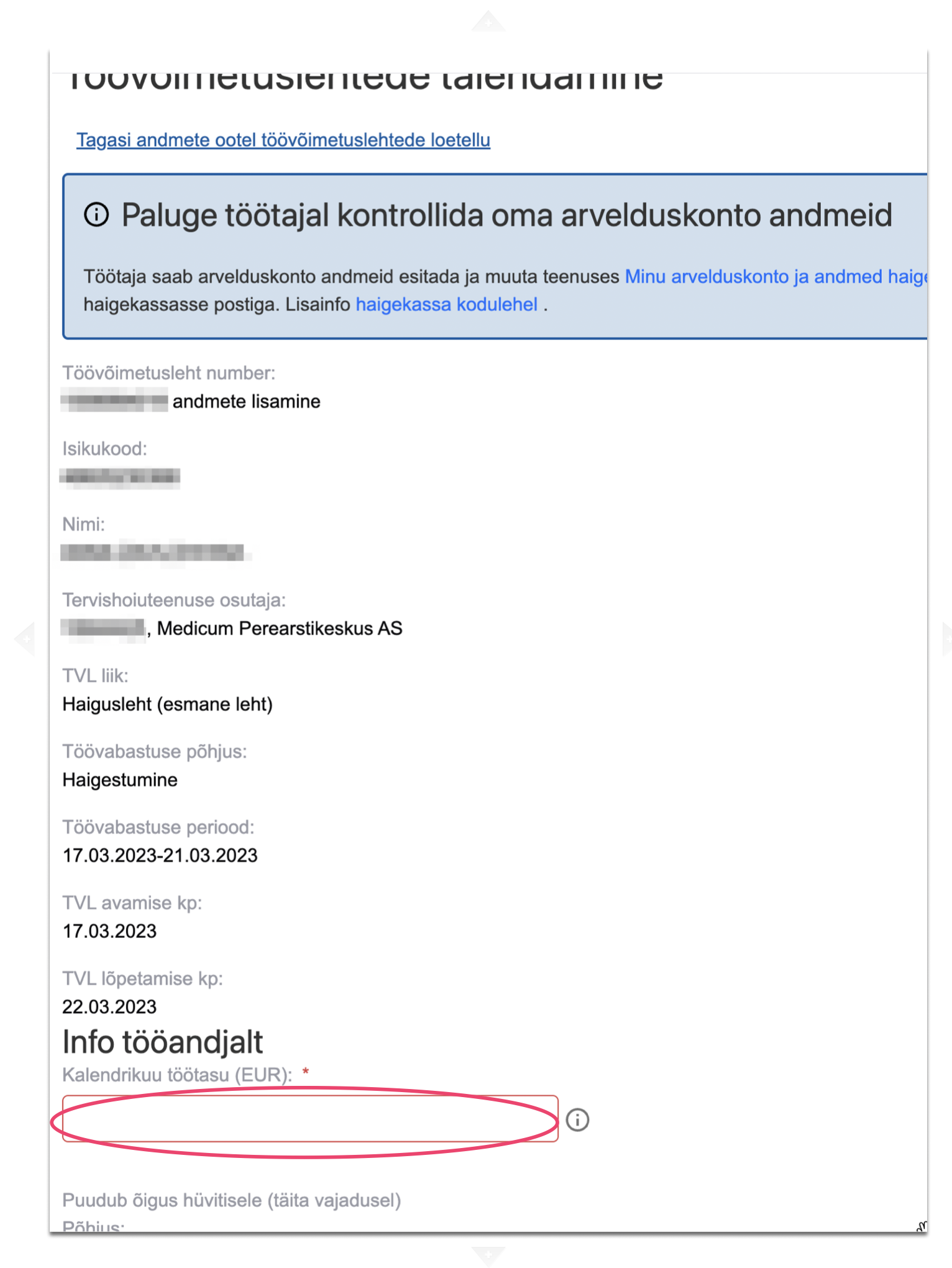
Step 9. Click the Edasta andmed button.
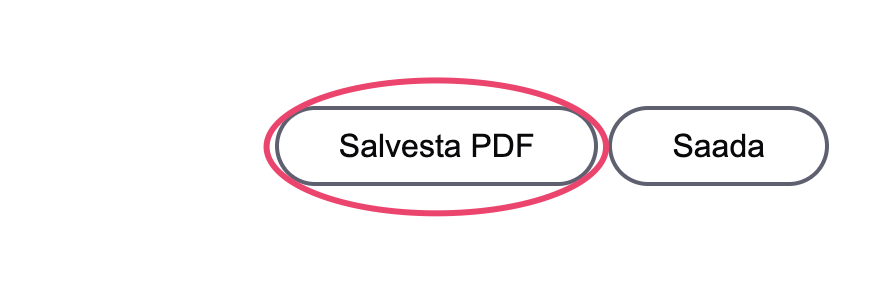
Step 10. Click the Salvesta PDF button.
Step 11. Upload the sick leave file to Nola Accounting for the period in which you confirmed the sick leave.