If you don't have an e-Resiency card you can still sign the annual report.
In this case, your accountant will send you a sign-up sheet.
It will look like this:
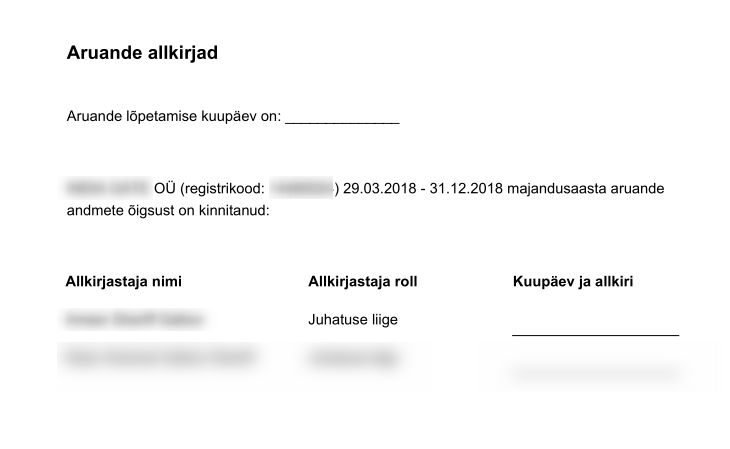
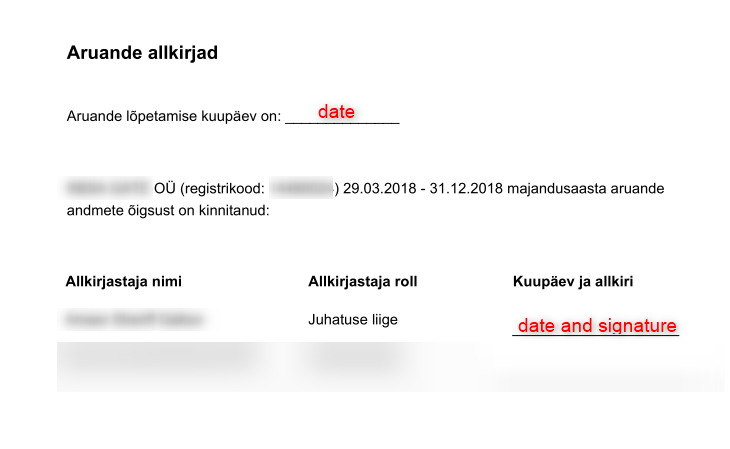
In the empty space next to the line "Aruande lõpetamise kuupäev on" write today's date.
Under the column "Kuupäev ja allkiri" write today's date and your signature.
As a result, the signature sheet should look like this:
After that please send a signature sheet to your accountant.