Step 1. Open the tax department's website: https://www.emta.ee/eng and select "Business client".

Step 2. Click on "Enter e-MTA"

and select the appropriate authentication method
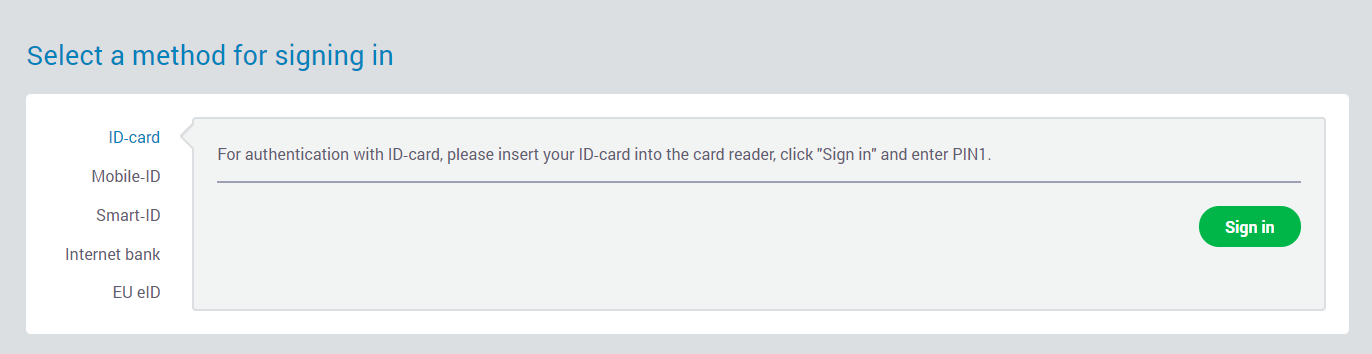
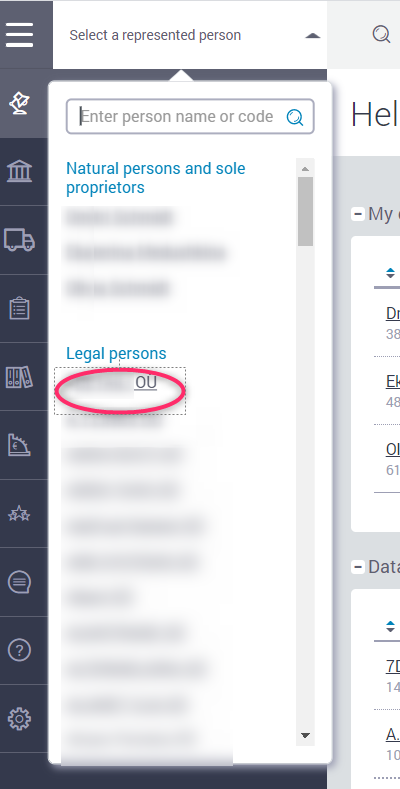
Step 3. Select your company from the menu to the right of the top.
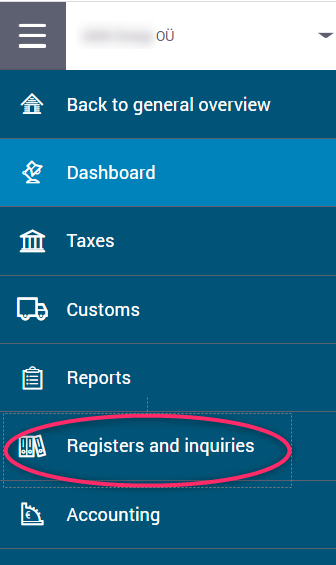
Step 4. Click on "Registers and inquiries".
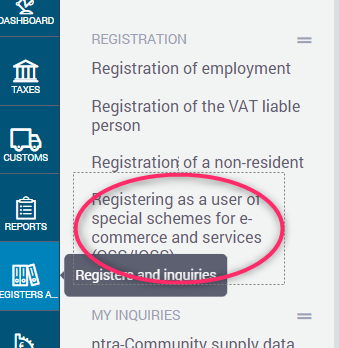
Step 5. Select "Registering as a user of special schemes for .ecommerce and services (OSS/IOSS)".
Step 6. Click on the New application button.

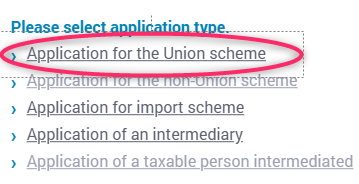
Step 7. Select "Application for the Union scheme".
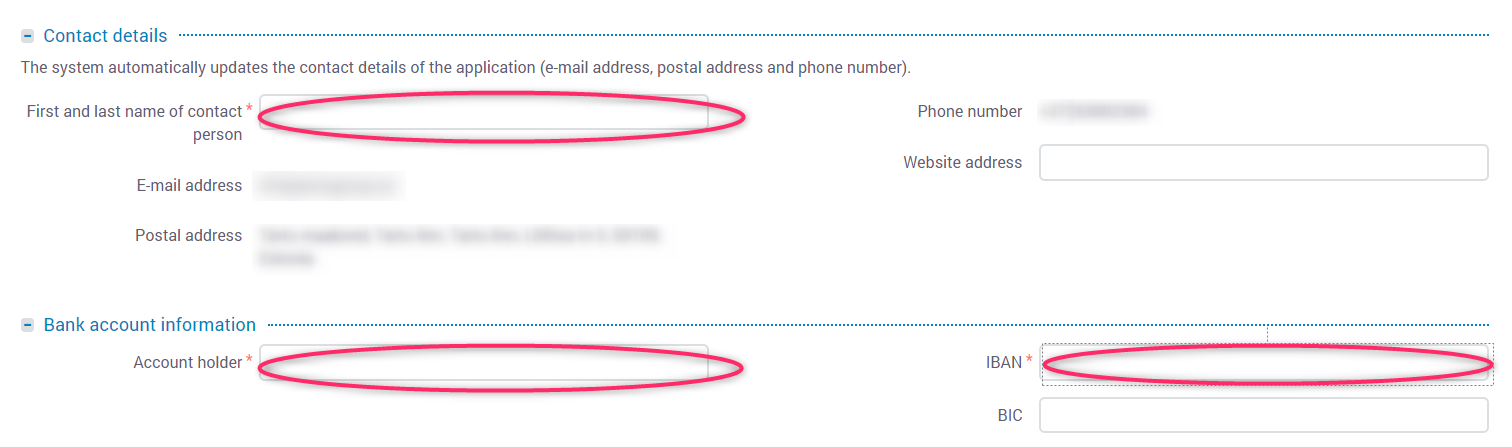
Step 8. Fill in the boxes "Contact details" (specify your contact details) and "Bank account information" (specify your company’s valid bank account).
Step 9. In the "Date of first transaction" box, enter the date of the first transaction from the client to which the client's country VAT has been applied.

Step 10. Click on the Submit button.

If you did everything right, the system will notify you of a successful registration.