In order to obtain a VAT number for your Estonian company and for everything to be done correctly, it is best to open up the opportunity for your accountant to submit this application to the tax department.
Step 1. Open the website of the Tax Board: https://www.emta.ee/eng and press Enter e-MTA.

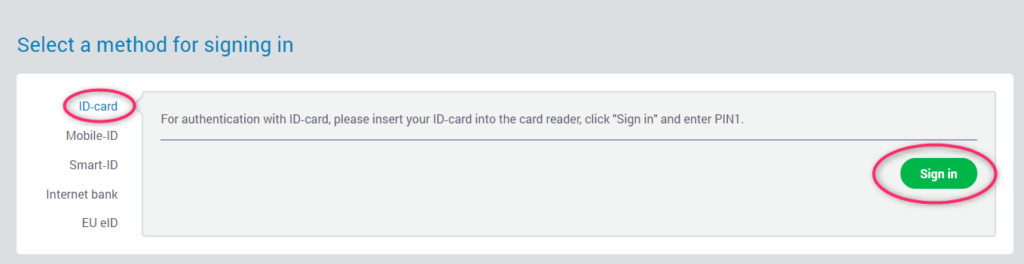
Step 2. Select an authentication method. If you have an e-Residency card, then you need to choose the ID-card method. Follow the instructions on the screen.
Step 3. Click on your company name under Data of legal persons related to me.

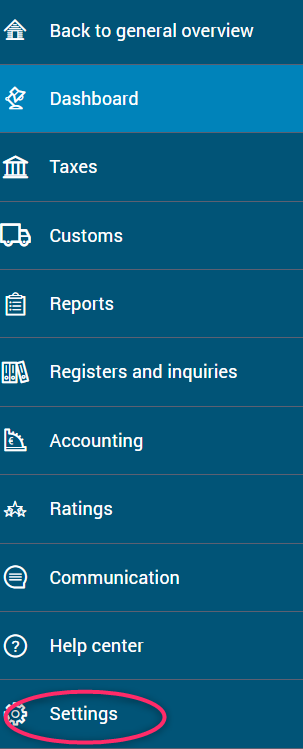
Step 4. Choose Settings from the menu.
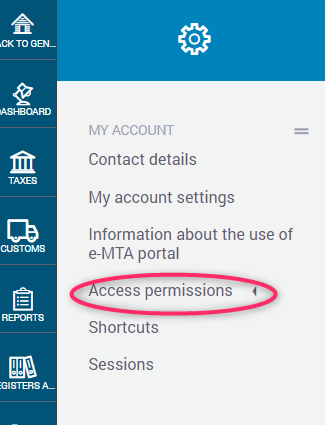
Step 5. Click on Access permissions.
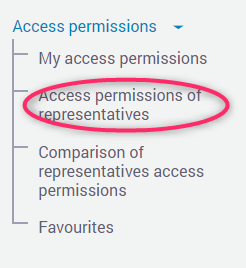
Step 6. After that please click on Access permissions of representatives.
Step 7. Please click on the button New access permission.

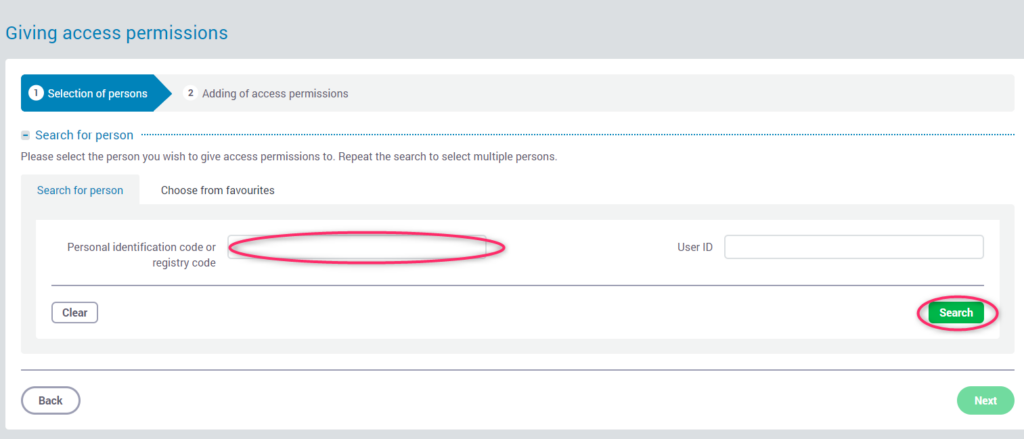
Step 8. Enter the personal identification code of your accountant in the Personal identification code or registry code field and click on the Search button.
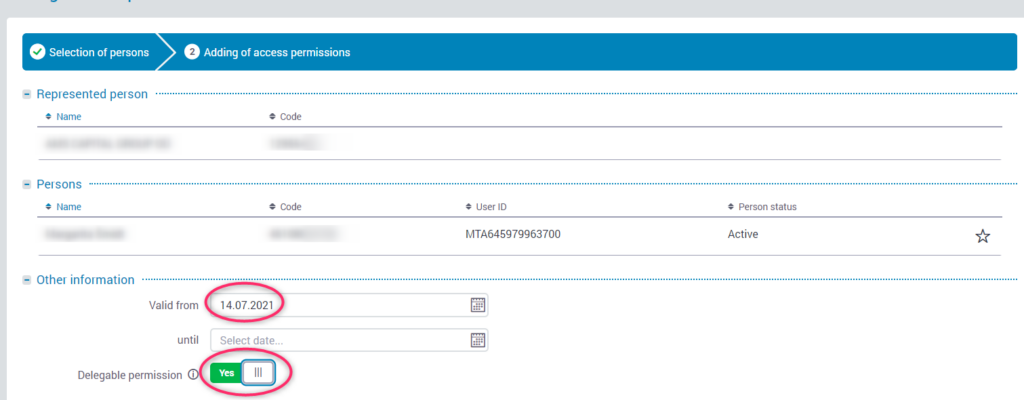
Step 9. Select the date from which access will start and enable the ability to delegate rights by clicking on the Delegable permisson button (as a result, it should look like the picture).
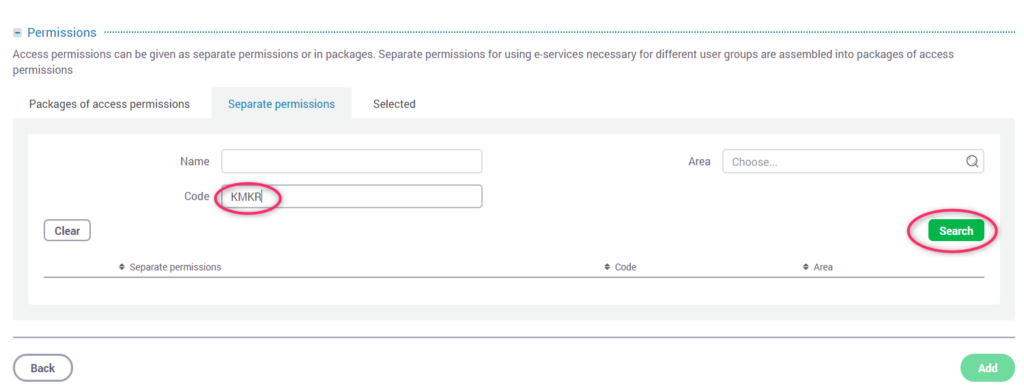
Step 10. In the Permissions section, select the Separate permissions tab, and in the Code column, type KMKR. Then click on the Search button.
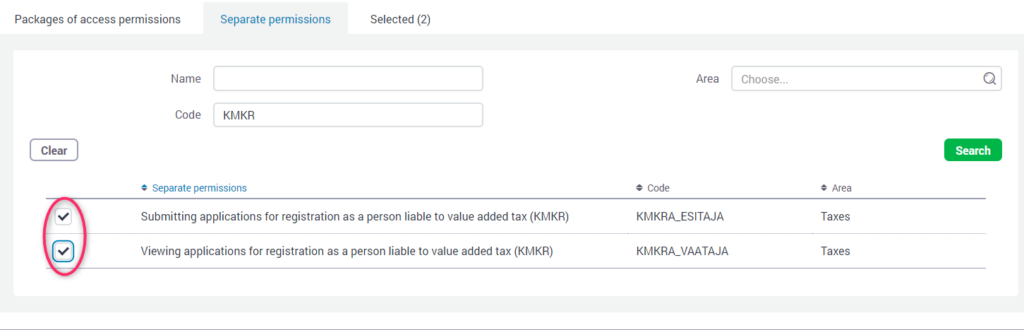
Step 11. The system will find two access. Check both KMKRA_ESITAJA and KMKRA_VAATAJA.
Step 12. Click on the Add button.

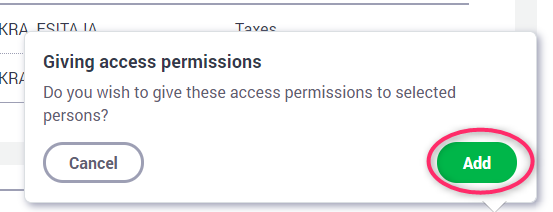
Step 13. The system will ask you again whether you are sure. Click on the Add button.
Your accountant now has access to view and apply for a VAT number.